How to implement
Get started without an IT project.
Give your Idea Managers access, choose your settings and share your company QR code. A standard setup that runs in your browser.
- No software installation or server setup
- Only Idea Managers need a login
- Optional modules to fit your company
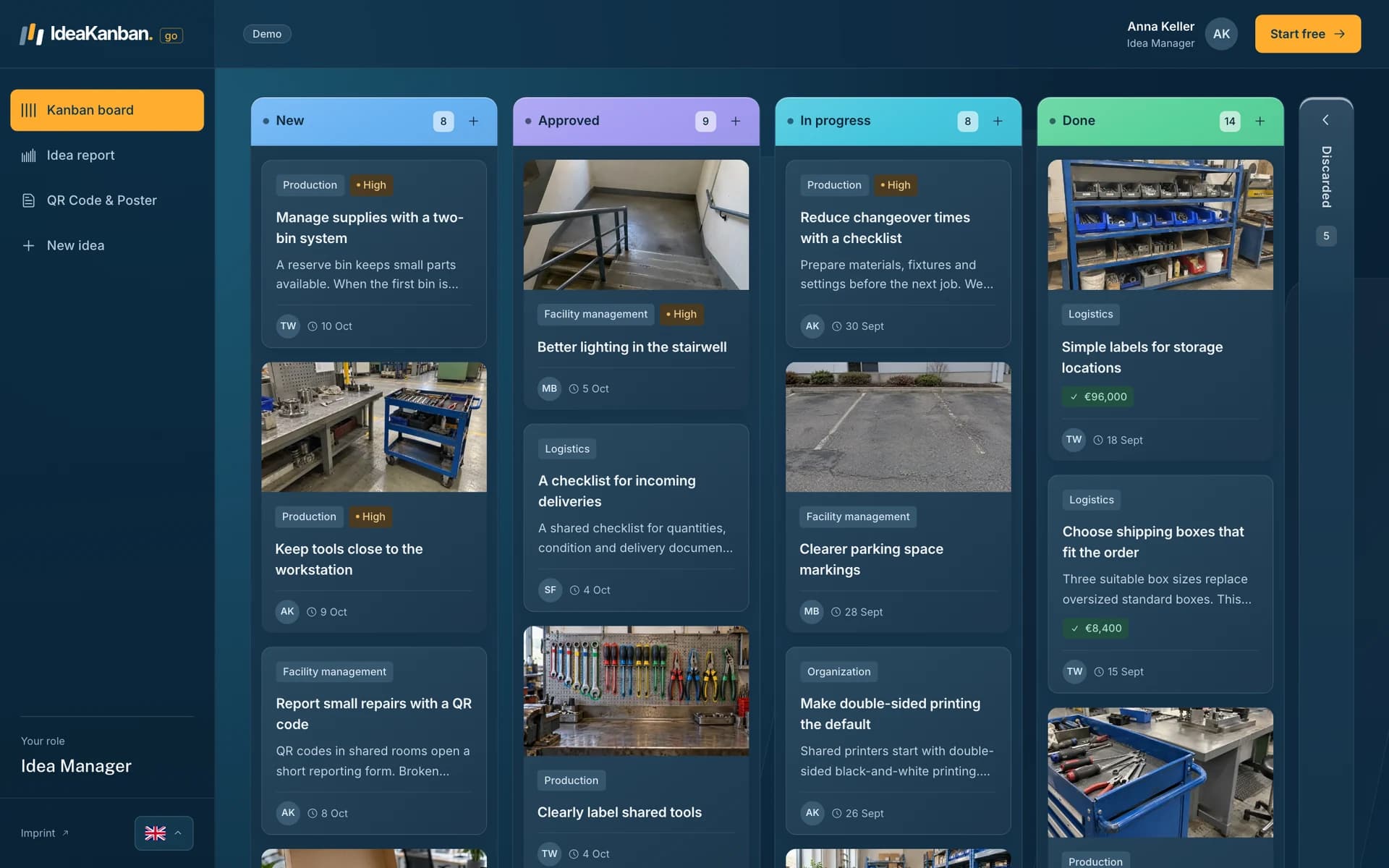
A small setup. A clear start.
Four simple steps to get going.
Make a few company choices. Then start collecting and moving ideas forward in one shared workspace.
- 01
Choose your Idea Managers
Give the people responsible for ideas their logins. They review submissions, approve improvements and manage the full workspace.
- 02
Set up your responsible teams
Add departments and their contact email addresses. For multiple locations, organise the locations in your company workspace.
- 03
Choose your module settings
Select the options that fit your company. For example, switch rewards for completed ideas on or off. The four clear stages stay the same.
- 04
Share your QR code and link
Display your company’s code where people work or share the link on your intranet. Employees can submit ideas directly from their phones.
Standard by design
Choose the options. Keep the process simple.
Start with the standard IdeaKanban workflow and select the modules your company needs. For example, choose whether to offer rewards when an idea is put into practice.
- Switch implementation rewards on or off
- Keep New, Approved, In Progress and Done
- Keep the same simple access for everyone
Try the switch to see how this option fits into the same clear process. Your company decides whether rewards are part of it.
Configuration example
Your modules
Rewards for completed ideas
Choose whether your company uses implementation rewards.
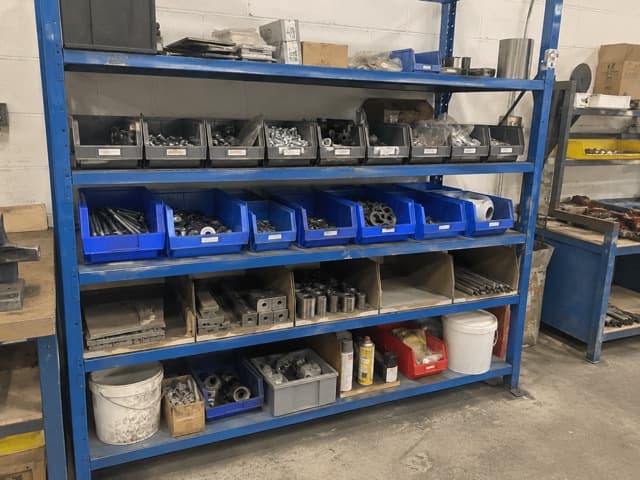
Add labels to shared storage
Implementation rewards are off
Collect, review and implement ideas with the rewards module switched off.
The same four stages apply with either setting:
- New
- Approved
- In Progress
- Done

Easy to introduce
Put the QR code where ideas happen.
Share it on the shop floor, in the office or on your intranet. Give people a short explanation of the ideas you want to collect. Their next step is simply to scan and submit.
A browser is all you need
No app installation, server setup or employee account administration. Idea Managers use the workspace in their browser. Departments receive secure update links by email.
Less account administration
A login for the people managing ideas.
Your Idea Managers get access to the full workspace. Employees and responsible departments have a simple way to take part without accounts of their own.
- Idea ManagersLogin required
- Review new ideas, approve improvements and assign responsibility in the full workspace.
- EmployeesNo account
- Scan the company QR code or open the submission link. Describe an idea and add photos where useful.
- Responsible departmentsNo account
- Open the secure link in the notification email to update the assigned idea and move it forward.
Before you start
A few practical answers.
Does our IT team need to install anything?
No. IdeaKanban runs in the browser. There is no software to install or server infrastructure to set up. Idea Managers need their logins, while employees submit through a QR code or link and departments use secure email links.
What should we prepare before we start?
Choose who will manage ideas, identify the responsible departments and their contact email addresses, and decide where to share your QR code. If you use multiple locations, organise those locations in your workspace. Decide whether you want rewards for completed ideas switched on.
Do we need to create accounts for every employee?
No. Only Idea Managers need a login. Employees submit without registration, and responsible departments update assigned ideas through secure links sent by email.
Can we use IdeaKanban without implementation rewards?
Yes. The rewards module is optional. You can collect, review, assign and implement ideas with it switched off. New, Approved, In Progress and Done remain the standard workflow with either setting.
Simple from the start
See how it fits your company.
Try the free demo of the IdeaKanban platform and explore how to collect, manage and implement employee ideas.