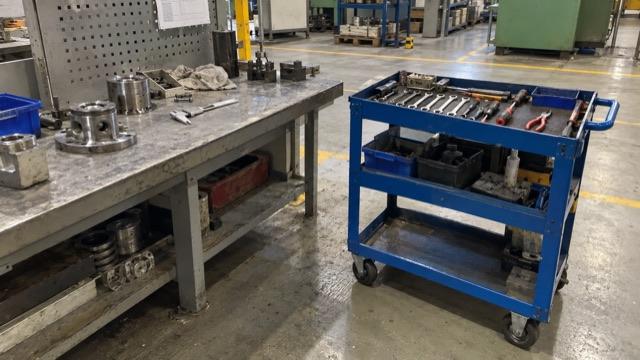
Production
Keep shared tools within reach
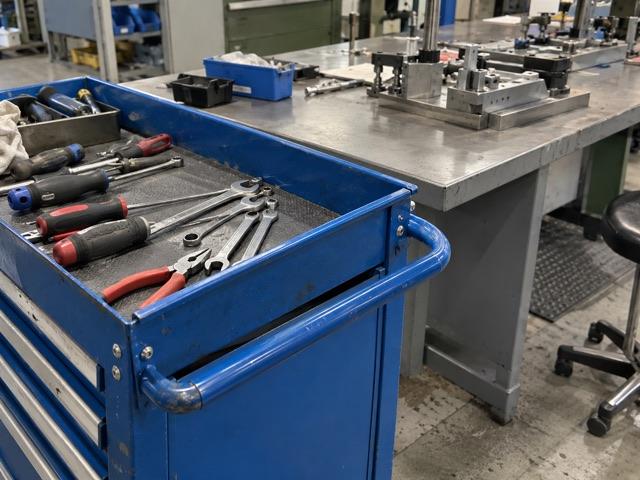
Suggest a labelled storage point near the workstation. Assign the idea to production and track the change through to Done.
Simple idea management. No employee accounts needed.
Demo without signup · 30-day Business trial, no credit card
Plans from €39/month, billed annually.
Your team sees what could work better. Every single day. A tool that's always out of reach. A queue at the label printer. A risky shortcut through the warehouse. But most of these ideas end up on a sticky note, in an email or in a spreadsheet. And then they're gone. That's expensive. On average, one implemented idea is worth more than seventeen hundred euros. Top companies save up to nine hundred and fifty euros per employee, every year. For a team of a hundred, that's up to ninety-five thousand euros. IdeaKanban turns those ideas into real improvements. Built for small and medium-sized companies. Hang your QR code where the work happens. Employees scan it, describe their idea and add a photo. No app, no account, no password. Every idea lands on one clear board. New. Approved. In progress. Done. Approve an idea and assign a department. They get an email with a secure link and post their updates right on the idea. No extra logins. You always see what's moving, what's done, and how much your team has saved. Unlimited ideas. No licences per employee. No setup fees. Hosting in the region you choose. All from thirty-nine euros a month. That means one implemented idea can pay for more than three years of our Starter plan. See it for yourself. Open the live demo, scan the QR code with your phone, and watch your idea land on the board. No signup needed. IdeaKanban. From idea to done.
Ideas your team already has
Typical suggestions that arrive by QR code.
Move beyond the suggestion box
An idea in an email. A note from the shop floor. A list nobody has updated. Bring suggestions into one place, so you can decide what to improve and who will take it forward.
An easy way to speak up.
Scan the code. Share the improvement.
How it works
New, Approved, In Progress and Done. See what needs a decision, what is being worked on and what your team has completed.
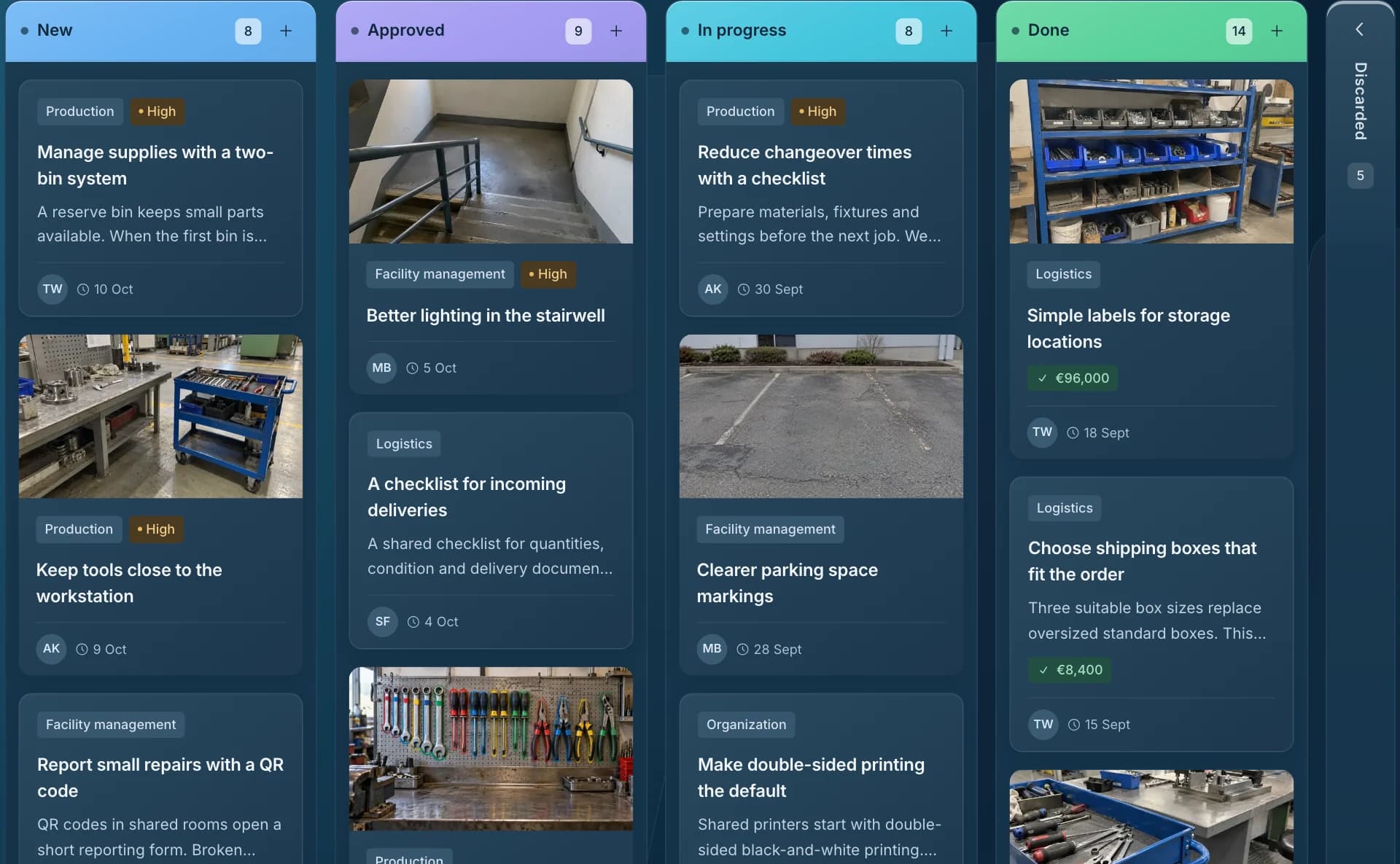
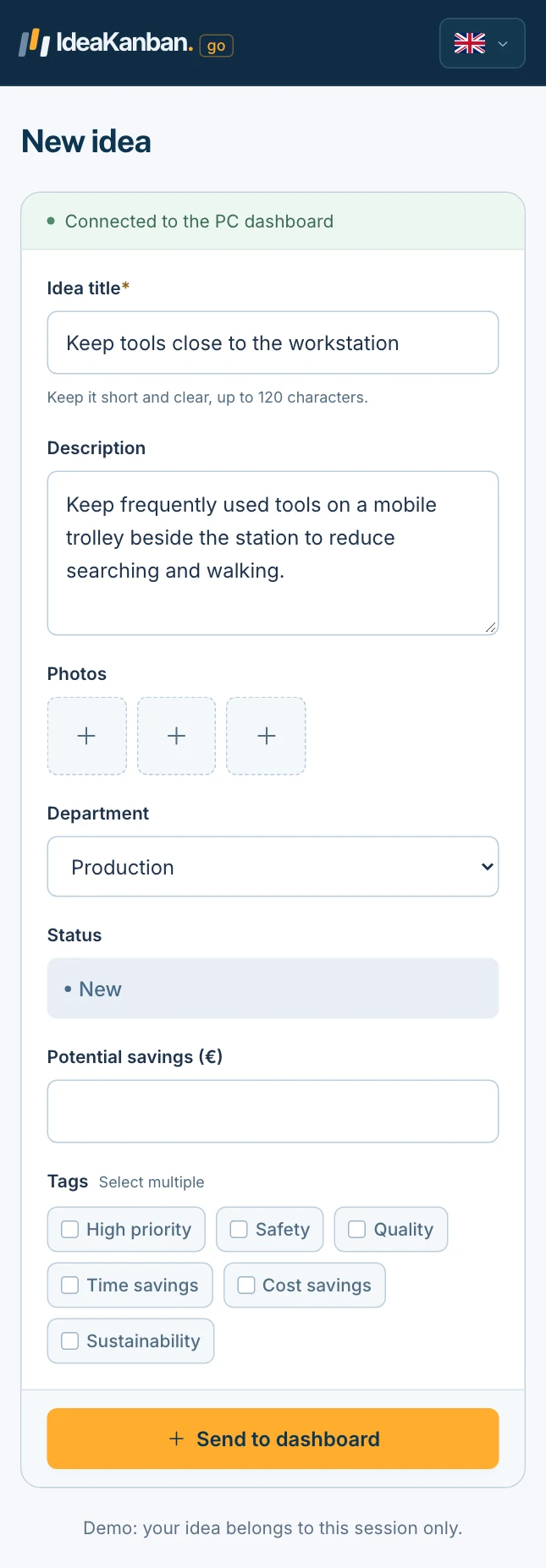
Employees scan your QR code and describe an improvement, with a photo if useful. No account needed. Every suggestion arrives on your board.
Review each suggestion and assign approved ideas to a department. The team receives an email with a secure link, so responsibility is clear.
Departments add updates through their link. Follow progress on the board and see which improvements are still waiting and which are complete.
Try it yourself · No signup
The quickest way to judge IdeaKanban is to use it. The live demo runs in your browser with sample ideas, so you can test the employee view and the manager view in a few clicks.
Open the live demo on your computer
A ready-made board with sample ideas opens straight away. No account, no email address.
Scan the demo QR code with your phone
Find it under QR Code & Poster. Submit a test idea exactly as an employee would, with a photo if you like.
Review it, assign it and move it to Done
Your idea appears on the board. Approve it, pick a department and drag the card through the workflow.
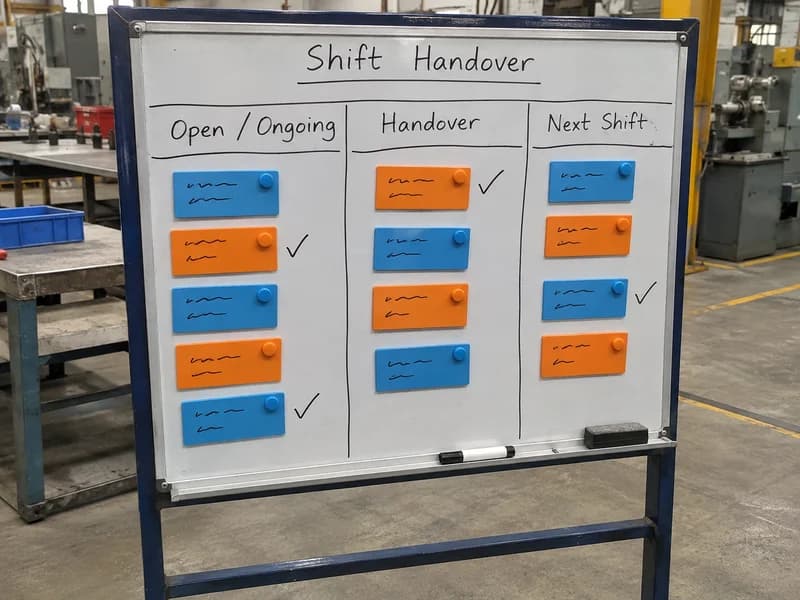
Keep open issues visible for the next shift.
Assigned to
Production
The right team is notified
A secure link to this idea, sent automatically by email.
Clear responsibility
Assign an approved idea to a department. IdeaKanban emails the team a secure link to add updates, photos and progress. They need no account, and you can follow the work on your board.
Built around employee suggestions: submission, review, assignment and updates in one workflow. You don’t have to piece those steps together yourself.
Track the impact
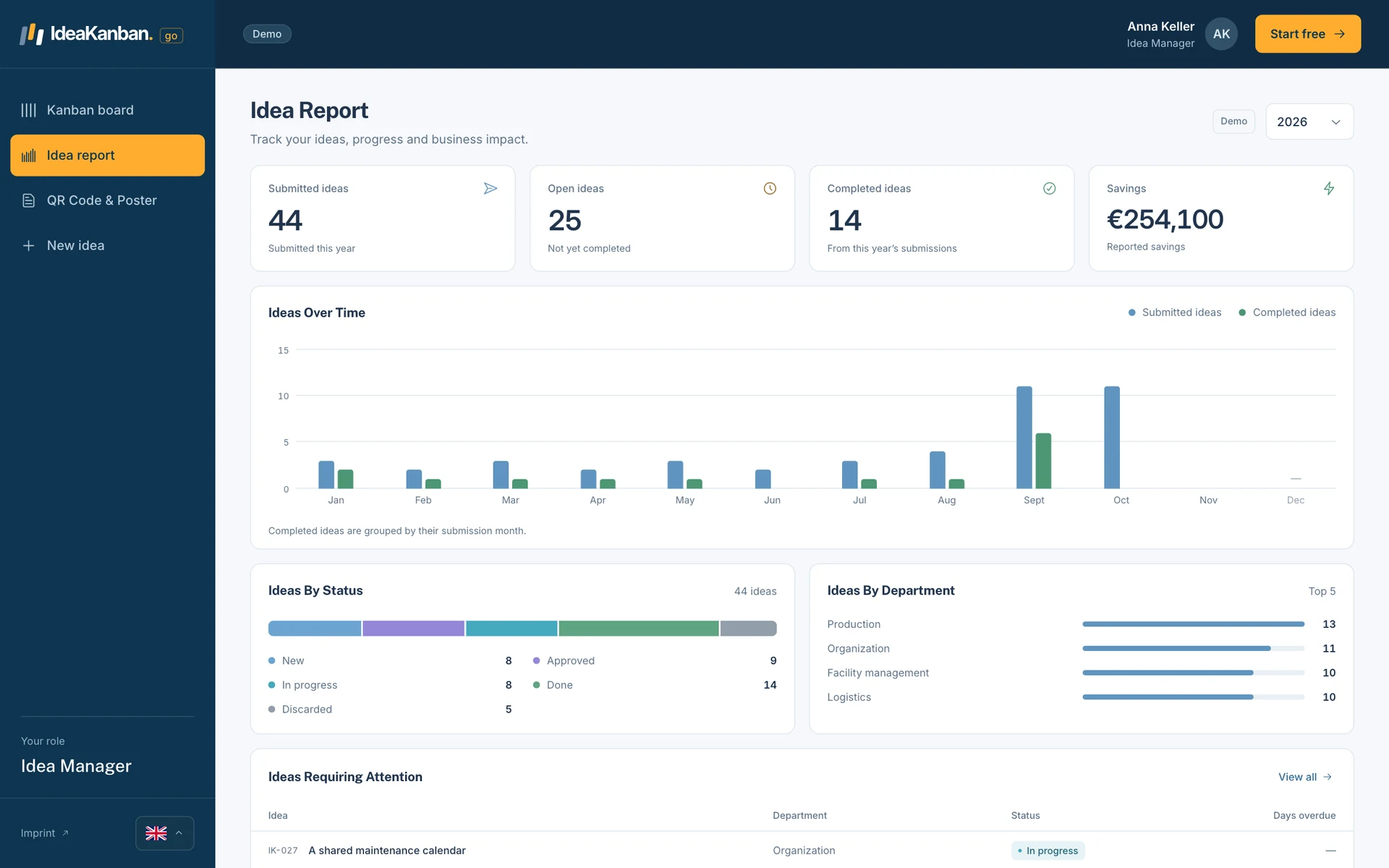
Keep a year-to-date view of submitted ideas, completed improvements and the savings you record. Use it to review progress with your team.
Ideas from everyday work
A better workstation, less packaging or a clearer checklist. These are examples of suggestions you could track with IdeaKanban.
Production
Suggest a labelled storage point near the workstation. Assign the idea to production and track the change through to Done.
Logistics
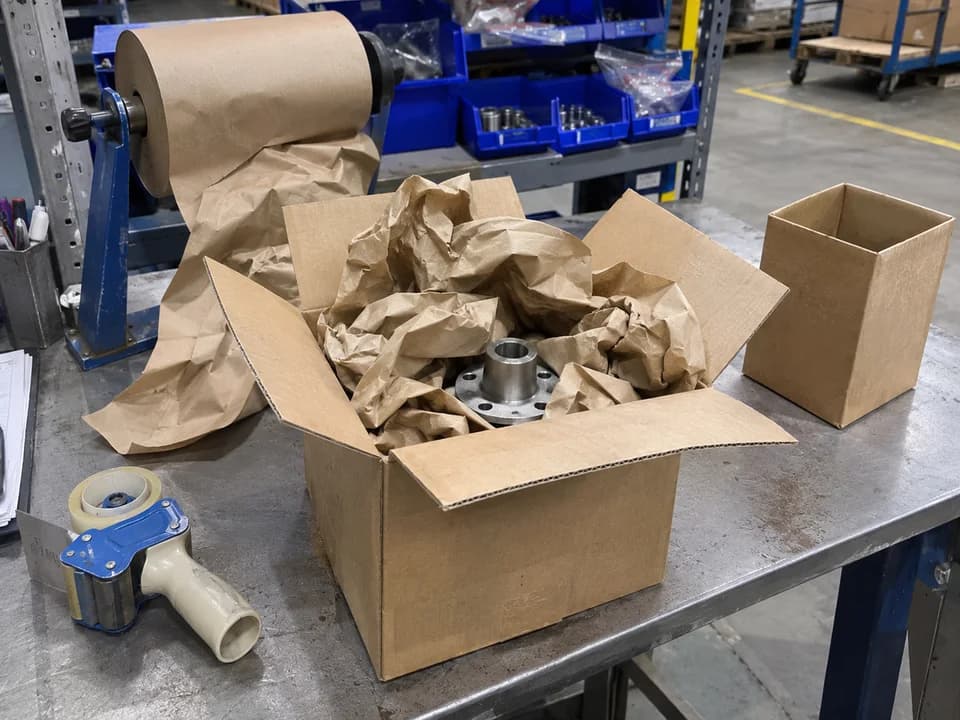
Share a photo of excess packing material. Give the logistics team one place to record the proposed change and its progress.
Quality
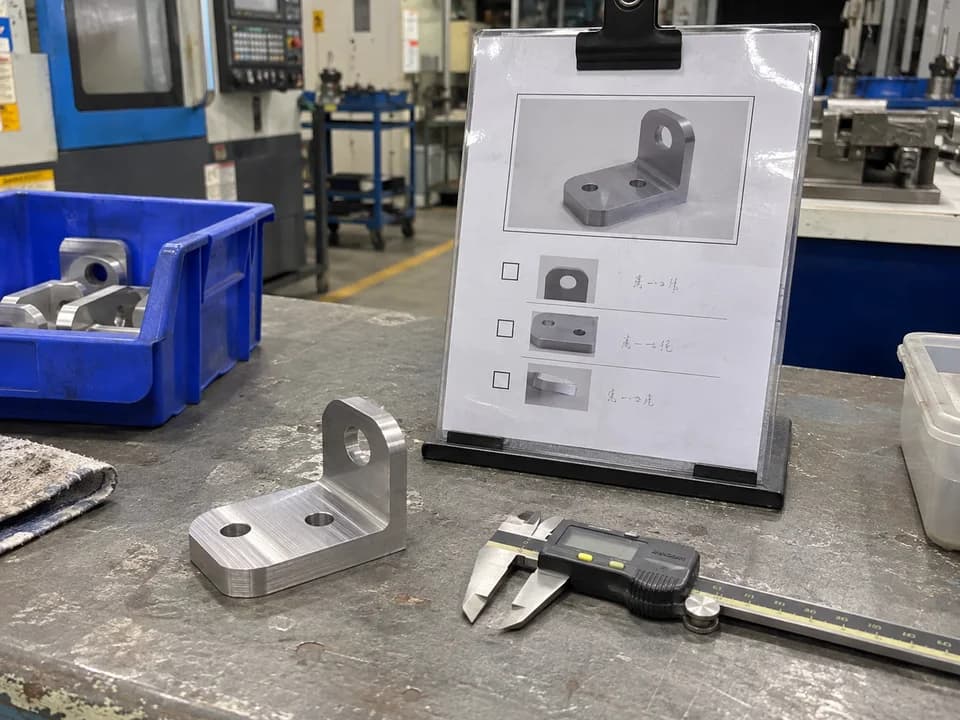
Propose a visual example for a frequently missed check. Assign responsibility and keep updates with the original suggestion.
Daily operations
Suggest a short handover checklist. Follow its review and implementation on the same board as your other improvements.
Not ready for software yet?
Practical resources for anyone setting up employee suggestions. Free to download, no email required.
Before you try it
IdeaKanban is employee idea management software for small and medium-sized companies. Employees submit suggestions by QR code or link. Idea Managers review them, assign responsibility and track improvements on one board from New to Approved, In Progress and Done.
Small and medium-sized companies that want a clear process for employee suggestions. It fits everyday improvements in production, logistics, quality and office work, especially when ideas currently live in spreadsheets, emails or a suggestion box.
No. Employees scan your company’s QR code or open its submission link. They add a title, description and optional photos in their browser. There is no registration or password to remember.
Starter is €39/month, Business is €129/month and Multi-Site is €399/month. Paid plans are billed annually. There are no setup fees.
The interactive demo lets you explore a sample IdeaKanban workspace. The 30-day trial creates your own company workspace with Business features, so you can try the workflow with your team.
In Frankfurt, Germany. IdeaKanban stores your ideas, photos and accounts there. If your company has specific data location requirements, contact us before rollout.
Yes. Employees can add photos to explain an improvement when submitting an idea from their phone's browser. Responsible departments can also add photos when updating an assigned idea through their secure link.
Yes. IdeaKanban gives teams a repeatable process for collecting small improvements, reviewing them, assigning a responsible department and following implementation. It can support everyday continuous improvement and Kaizen activities in production, logistics, quality and office teams.
Try it with your team
Create your own workspace and try Business free for 30 days. No credit card needed to start.