How IdeaKanban works
From employee idea
to improvement.
A suggestion needs more than a place on a list. See how your team collects it, gives it an owner and follows it through to Done.
 01
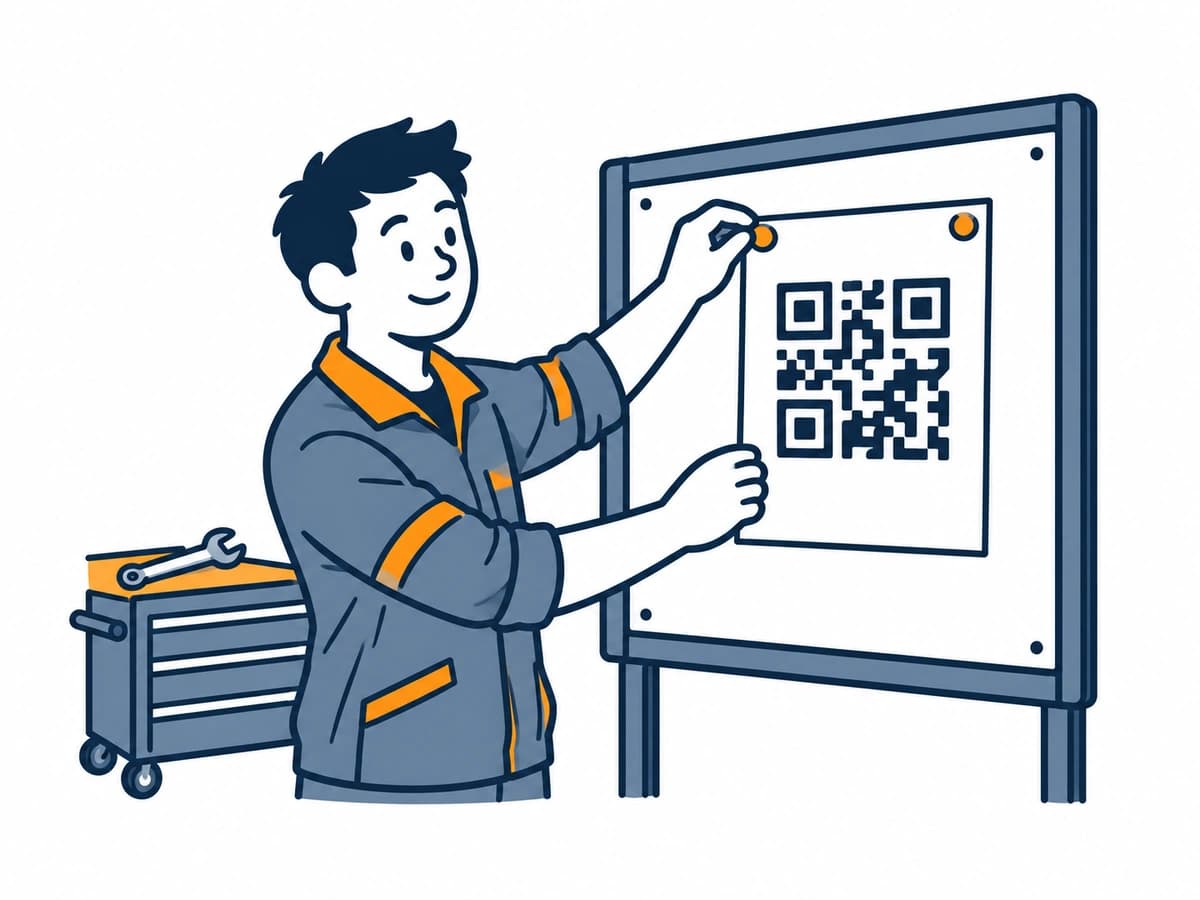
Share your QR code
Put your company’s code on notice boards, in the workshop or in shared spaces. You can also share the submission link on your intranet.
 02
Employees share ideas
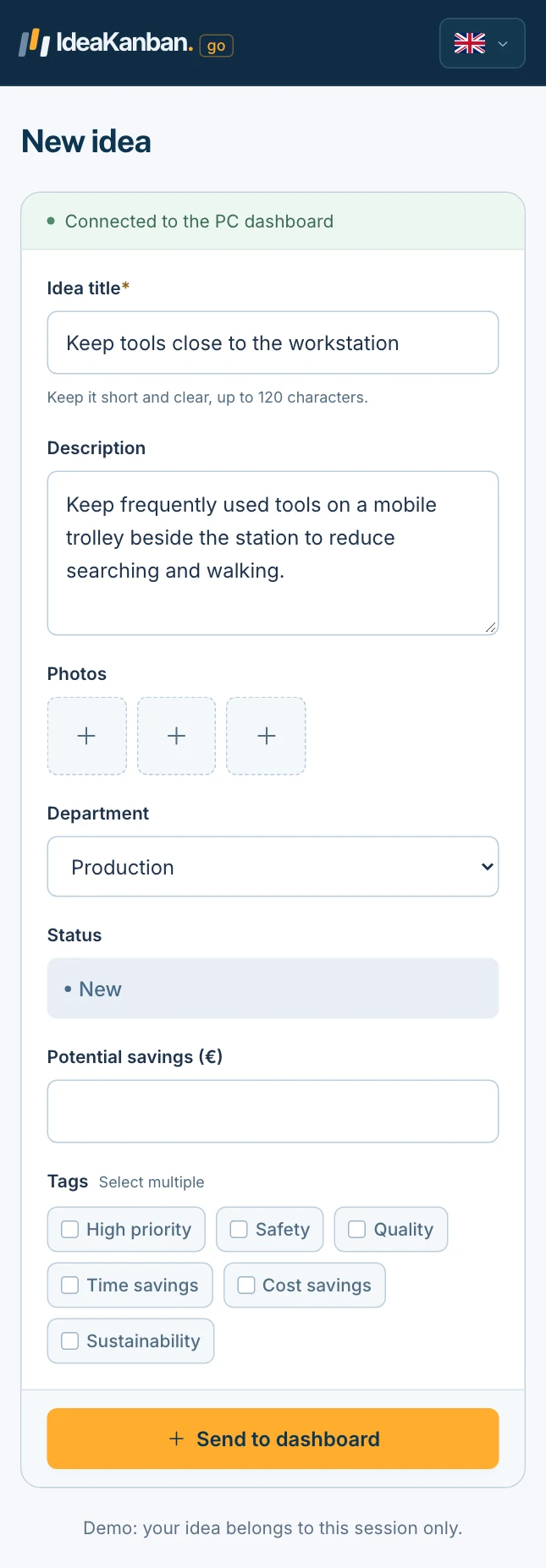
Scan, describe the improvement and add a photo if useful. Employees submit from their phone’s browser without an account.
 03
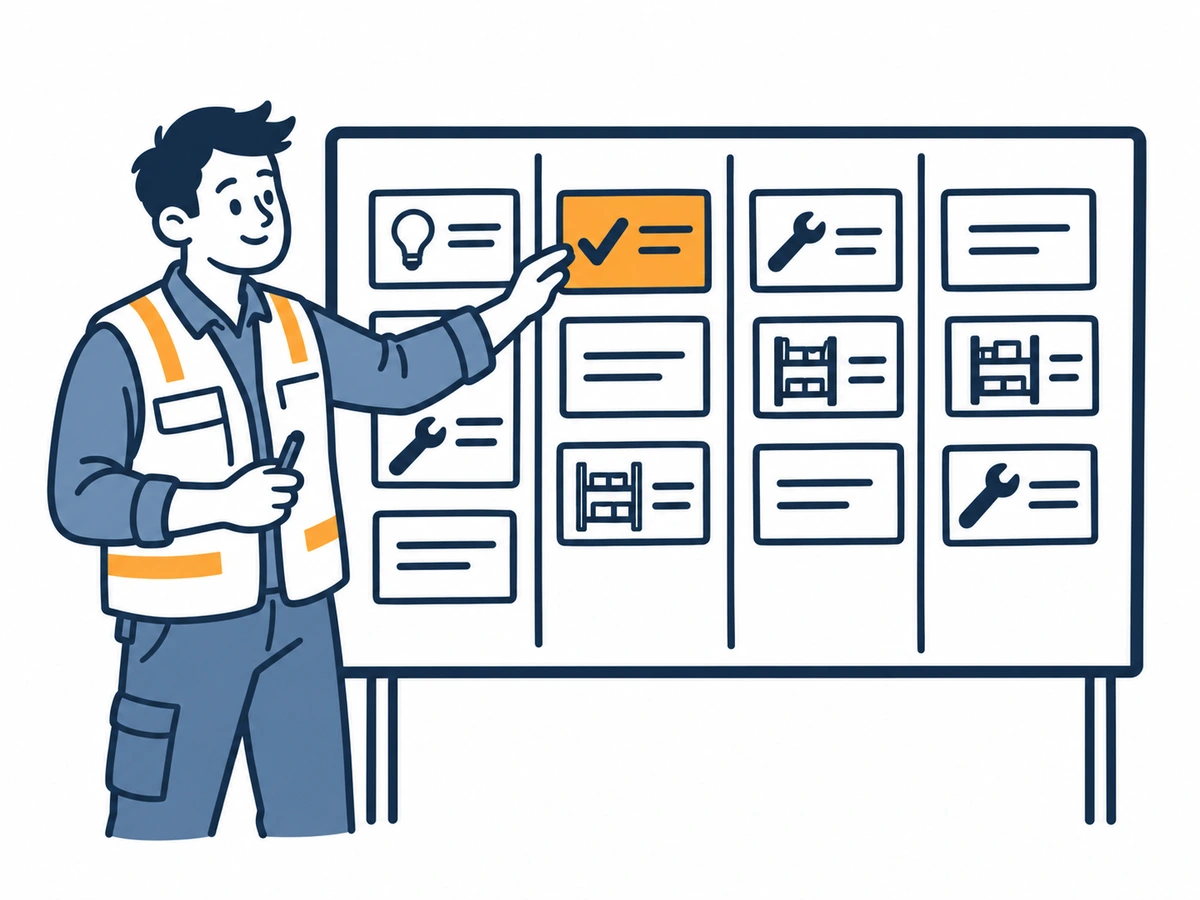
Review what comes in
New ideas arrive on your board. An Idea Manager reviews each suggestion and approves the ones to take forward.
 04
Give each idea an owner
Assign the responsible department. It receives an email with a secure link to update that idea, without creating an account.
 05
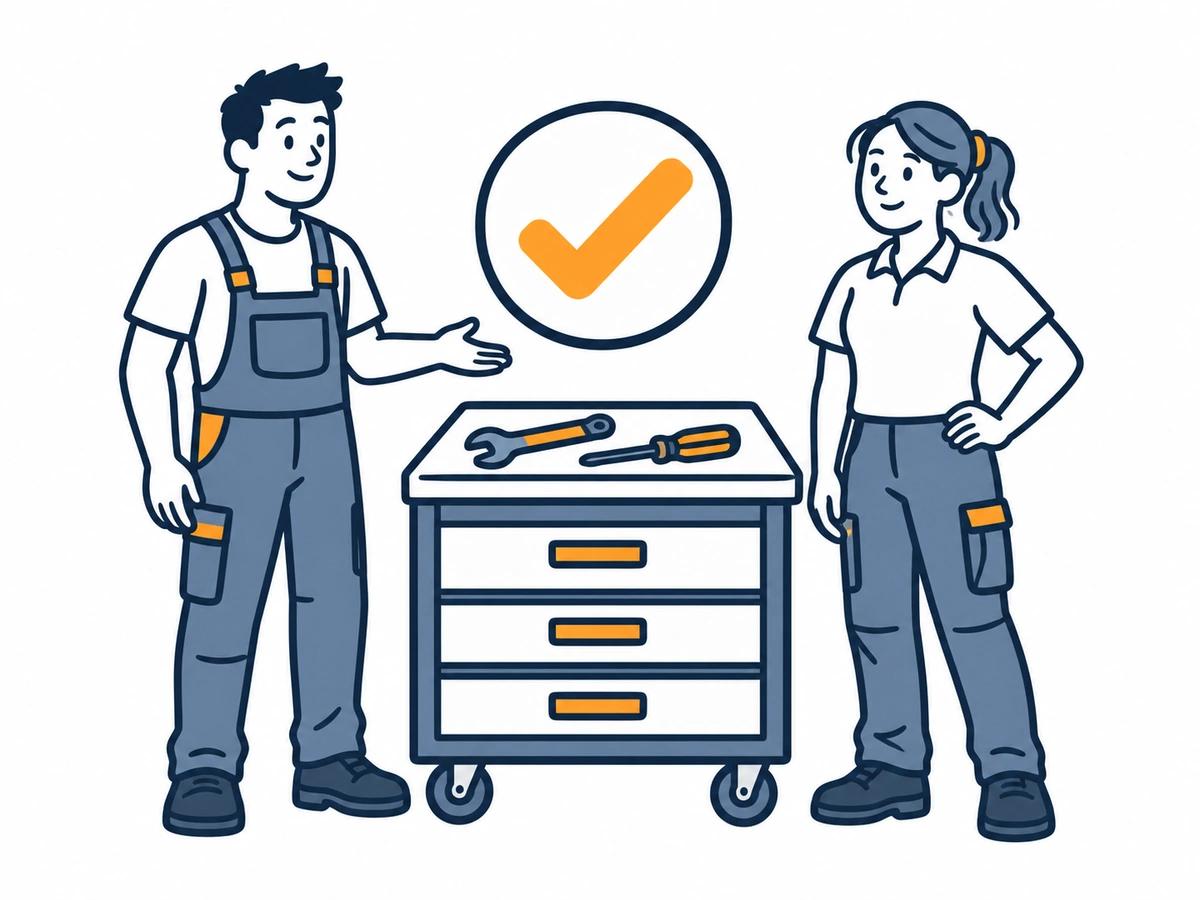
Follow it through
The department adds updates and moves the idea to In Progress, then Done. Idea Managers can see what is moving and what needs attention.
Watch it in 2 minutes
The whole workflow in one short video.
QR code, board, department link and report: see every step with real screens, then try it yourself in the live demo.
Read the transcript
Your team sees what could work better. Every single day. A tool that's always out of reach. A queue at the label printer. A risky shortcut through the warehouse. But most of these ideas end up on a sticky note, in an email or in a spreadsheet. And then they're gone. That's expensive. On average, one implemented idea is worth more than seventeen hundred euros. Top companies save up to nine hundred and fifty euros per employee, every year. For a team of a hundred, that's up to ninety-five thousand euros. IdeaKanban turns those ideas into real improvements. Built for small and medium-sized companies. Hang your QR code where the work happens. Employees scan it, describe their idea and add a photo. No app, no account, no password. Every idea lands on one clear board. New. Approved. In progress. Done. Approve an idea and assign a department. They get an email with a secure link and post their updates right on the idea. No extra logins. You always see what's moving, what's done, and how much your team has saved. Unlimited ideas. No licences per employee. No setup fees. Hosting in the region you choose. All from thirty-nine euros a month. That means one implemented idea can pay for more than three years of our Starter plan. See it for yourself. Open the live demo, scan the QR code with your phone, and watch your idea land on the board. No signup needed. IdeaKanban. From idea to done.
Figures in the video: Ideenmanagement-Studie 2023 (N. Landmann, Prof. H.-D. Schat).
Pressing play loads the video from Vimeo. Privacy policy
A small team can manage the process
Let people take part without managing more accounts.
Only the people coordinating ideas need a workspace login. Submitting a suggestion or updating an assigned idea takes a simpler route.
- Employees: scan and submit. No login.
- Departments: receive a secure email link for one idea and update it. No login.
- Idea Managers: review and manage the full workspace. Login required.
From the shop floor to the office
Share an improvement where you see it.
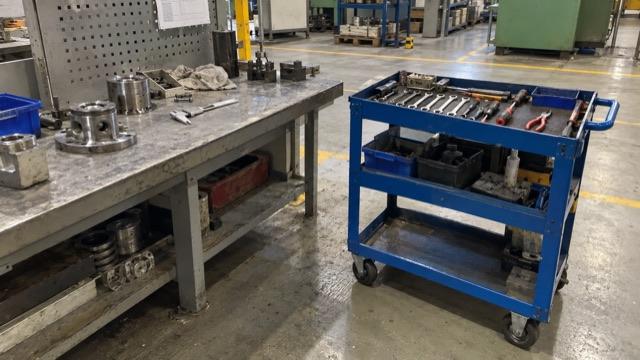
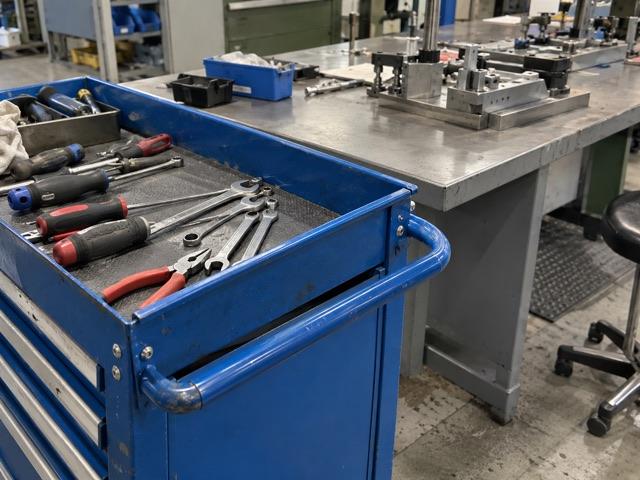
A photo can explain what a long email cannot. Employees can add one to their suggestion, whether they are beside a workstation, in the warehouse or at a desk.
Your company’s QR code connects the suggestion to your workspace. With Multi-Site, each location can have its own code and link.
Keep the context with the work
Follow-up belongs with the original idea.
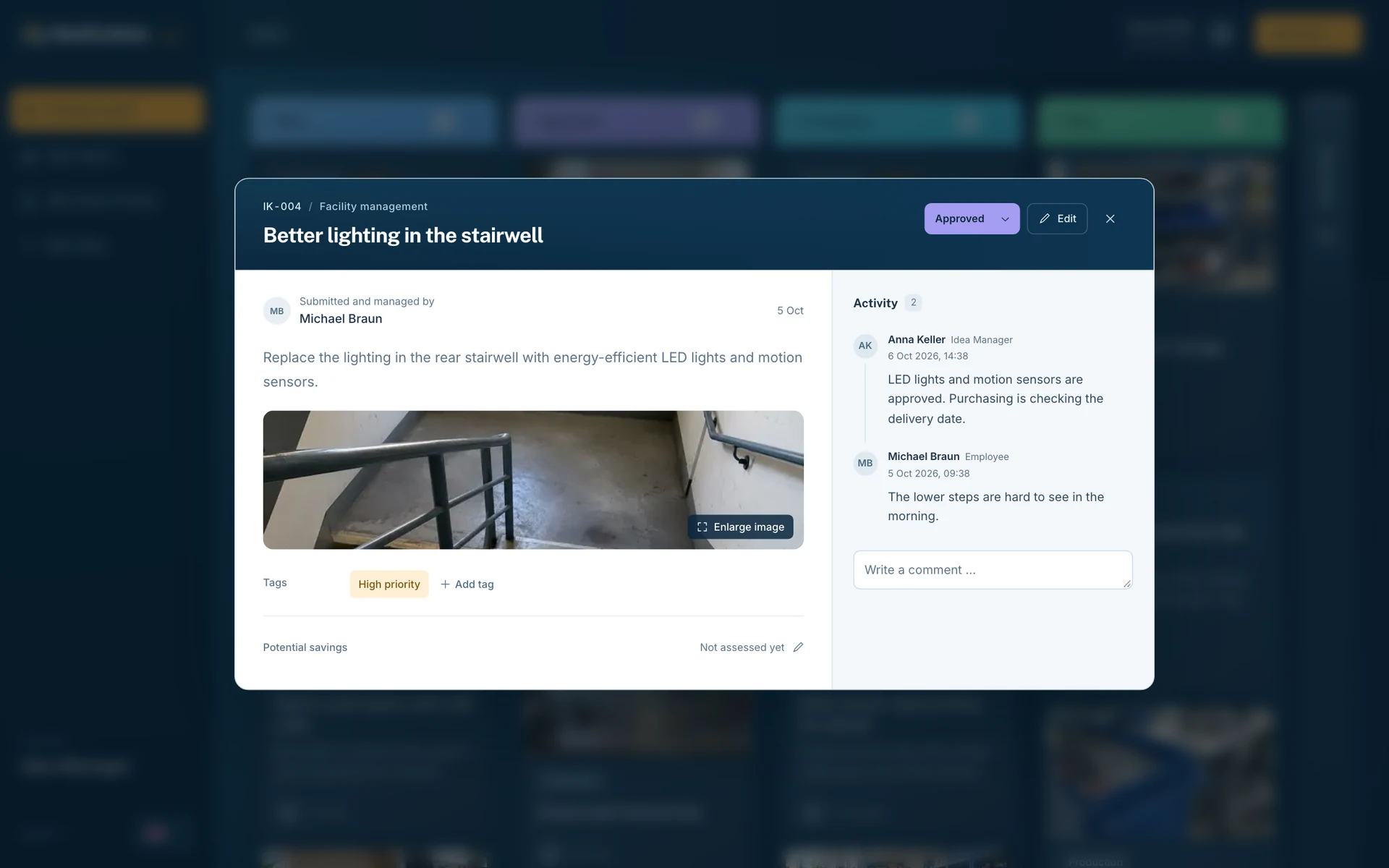
Once an idea is assigned, the department can add information and photos through its secure link. Updates stay with the idea instead of becoming another email thread to piece together.
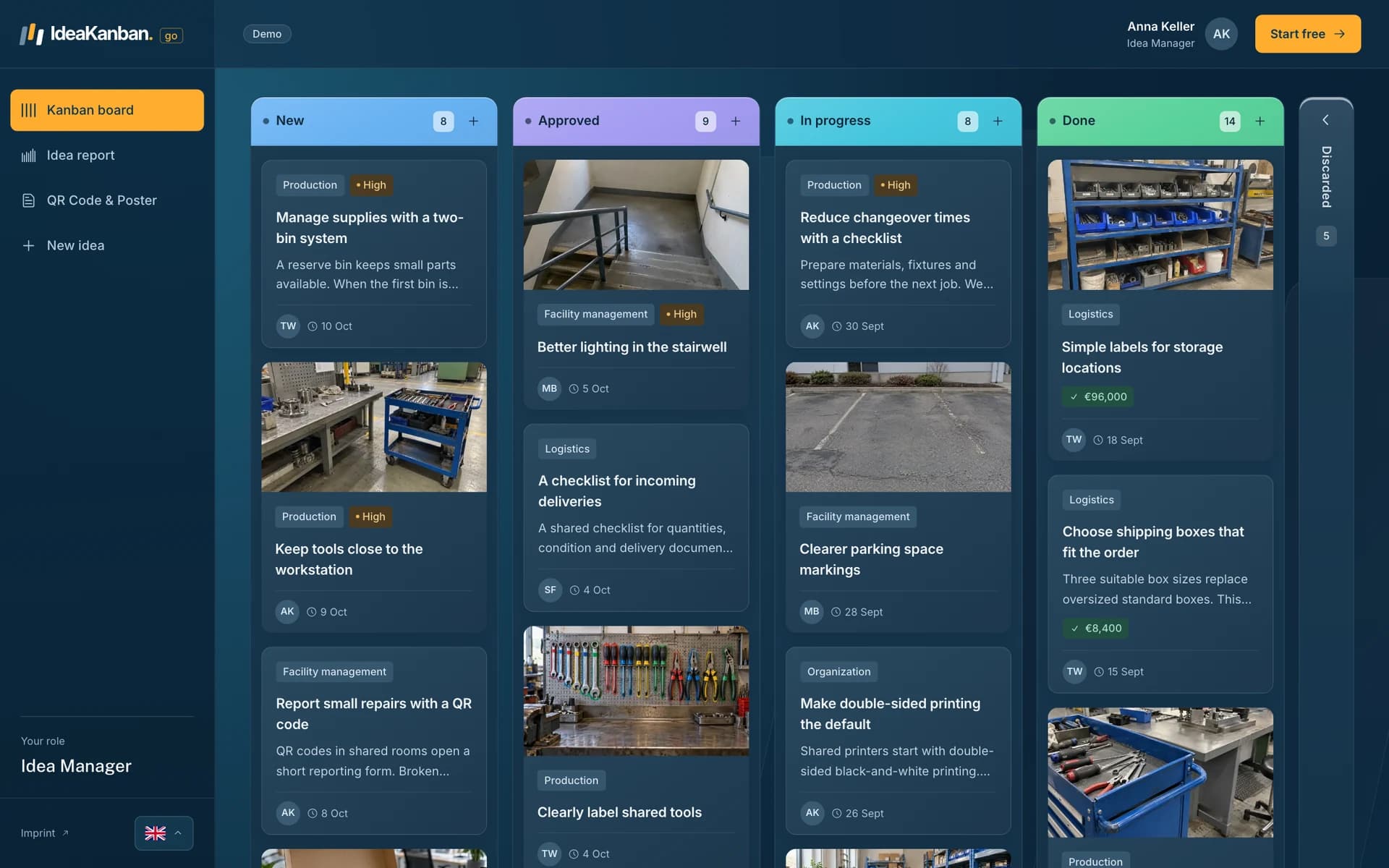
Idea Managers keep the overview: what has been approved, what is in progress and what is complete.
Questions about the workflow
From the first suggestion to a completed improvement.
Do employees need an account to submit an idea?
No. Employees scan your company’s QR code or open its submission link. They add a title, description and optional photos in their browser. There is no registration or password to remember.
Who needs an IdeaKanban login?
Only Idea Managers, who review and manage the full board. Responsible departments receive a secure email link to update their assigned idea. That link does not give access to the full workspace.
What types of employee suggestions can we collect?
Use IdeaKanban for practical workplace improvements: tool storage, safer working areas, clearer quality checks, less packaging waste, smoother handovers or better office routines. Your team reviews the suggestions and decides which improvements to implement.
Can employees attach photos to their ideas?
Yes. Employees can add photos to explain an improvement when submitting an idea from their phone's browser. Responsible departments can also add photos when updating an assigned idea through their secure link.
How can we track implemented ideas and recorded savings?
The board shows each idea's progress through New, Approved, In Progress and Done. Reporting brings submitted ideas, completed improvements and recorded savings together in a year-to-date view. Savings reflect the values your team records; they are not a guaranteed return.
Try it with your team
Give your next idea a place to start.
Create your own workspace and try Business free for 30 days. No credit card needed to start.