
Ideas arrive faster than reviews
A full New column isn't success. It's a queue. Review weekly and keep open work small enough to finish.
Continuous improvement & Kaizen
A status, an owner and a check at the workplace for every small idea, plus a year-to-date report that shows what your continuous improvement work has achieved.

Your Kaizen workshops produce results. The trouble is the weeks in between. Small ideas pile up on whiteboards and in spreadsheets, nobody owns the follow-up, and the PDCA cycle stops at “Plan”.
IdeaKanban is continuous improvement software for that everyday part. Everyone submits ideas by QR code, you decide on one board, and the responsible department posts progress through an email link. The idea report shows what you completed this year.
A full New column isn't success. It's a queue. Review weekly and keep open work small enough to finish.
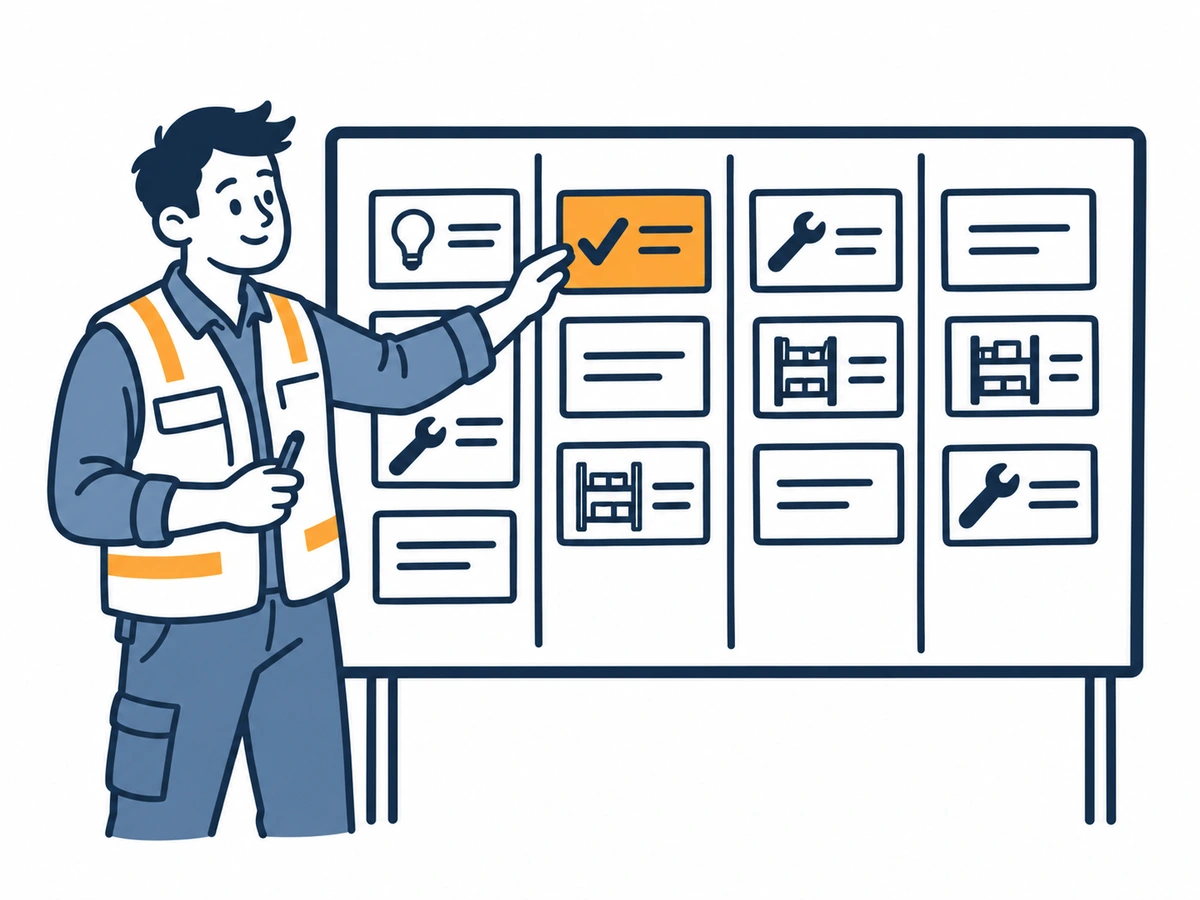
A card in Done means the change was made. Whether it solved the problem is something you check at the workplace.
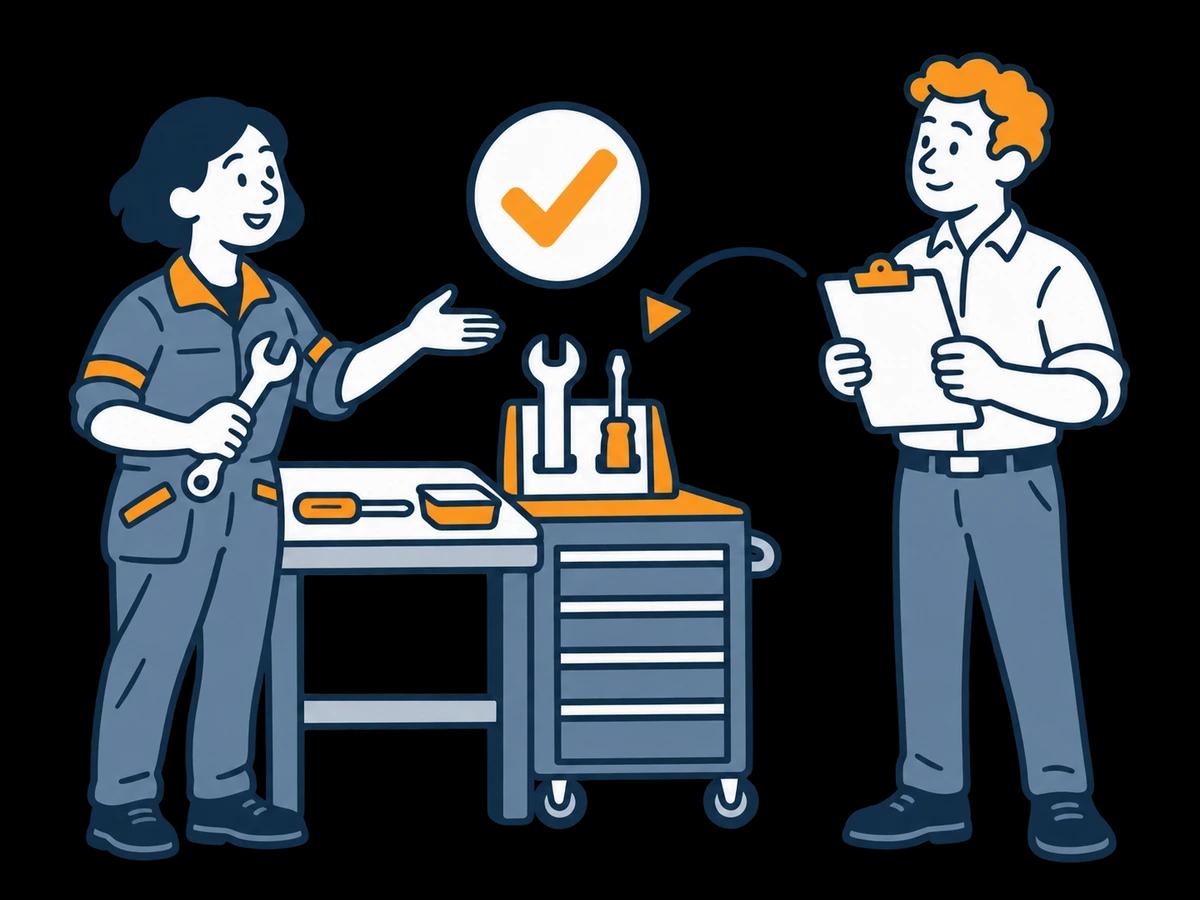
At year end, management asks what the programme achieved. Without records, all you have are anecdotes.
Worked example
The board's columns aren't PDCA, but they map onto it neatly. Here's a small idea from an assembly area.
New
Low stock in a consumables bin is noticed only when the next job starts. An assembler scans the QR code and suggests a red minimum-level line on the bin.
Approved
You approve it, assign Production and note the plan on the idea: one bin, two weeks, one question. Do we refill before we run out?
In Progress
Production marks the line and agrees who refills when it's reached. The team lead posts a photo through the email link.
Done
After two weeks, ask the assemblers: did you run out? If not, move it to Done and submit “Minimum lines on all consumables bins” as the next idea. If you did, adjust and keep testing.
Done means checked at the workplace, not just finished. Rolling a fix out further is a new idea with its own owner. Try the same flow in the live demo.
Counting submitted ideas tells you people are talking. It doesn't tell you anything improved. Look at the whole flow:
How long ideas wait before someone decides. Long waits are the fastest way to stop people suggesting.
Ideas without an update for two weeks. A short nudge to the department usually gets them moving.
Submitted and completed ideas and recorded savings year-to-date, ready for your management review.
Record a saving only when your team can back it up. A smaller number you can explain beats a big one nobody believes.

Feedback
Kaizen runs on trust. If an idea disappears, the person who suggested it won't try again. Every card has a status, so you always know what to say: approved and with production, waiting for a part, done, or discarded with a reason.
Share completed ideas at the shift briefing or team meeting. Name the person who suggested it, if they're happy with that.
Inside the live demo
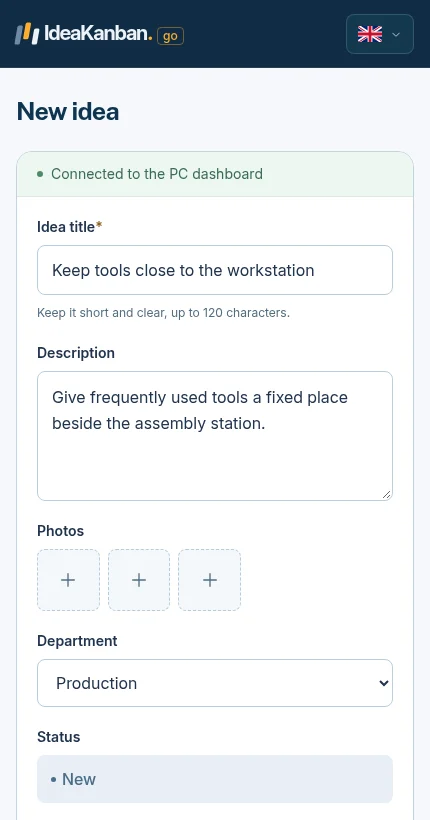
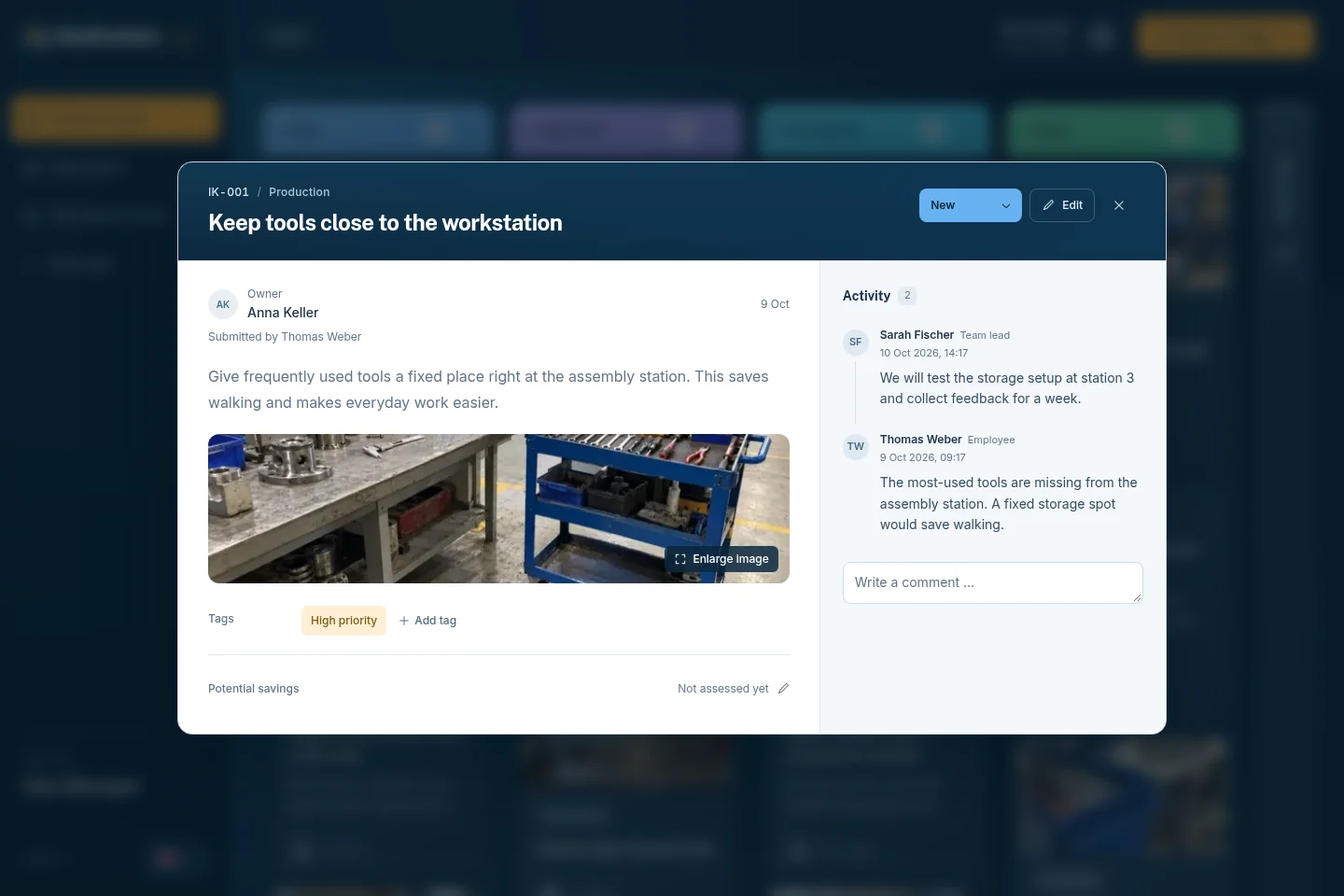
Both screens are from the live demo. Your team sees the form; you and your departments work on the card.
01 / The employee form
02 / The Idea Manager view
No. It tracks each idea from submission to Done and keeps the updates in one place. Your team still plans the test, checks the result and decides what to standardise.
A whiteboard works for one team in one room. IdeaKanban takes ideas by QR code from every shift, sends approved ideas to departments by email link and keeps the record for your year-end report.
Yes. Multi-Site includes multiple boards and locations with unlimited Idea Managers.
Be careful. A target on submissions rewards quantity. A target on completed, checked ideas rewards follow-through.
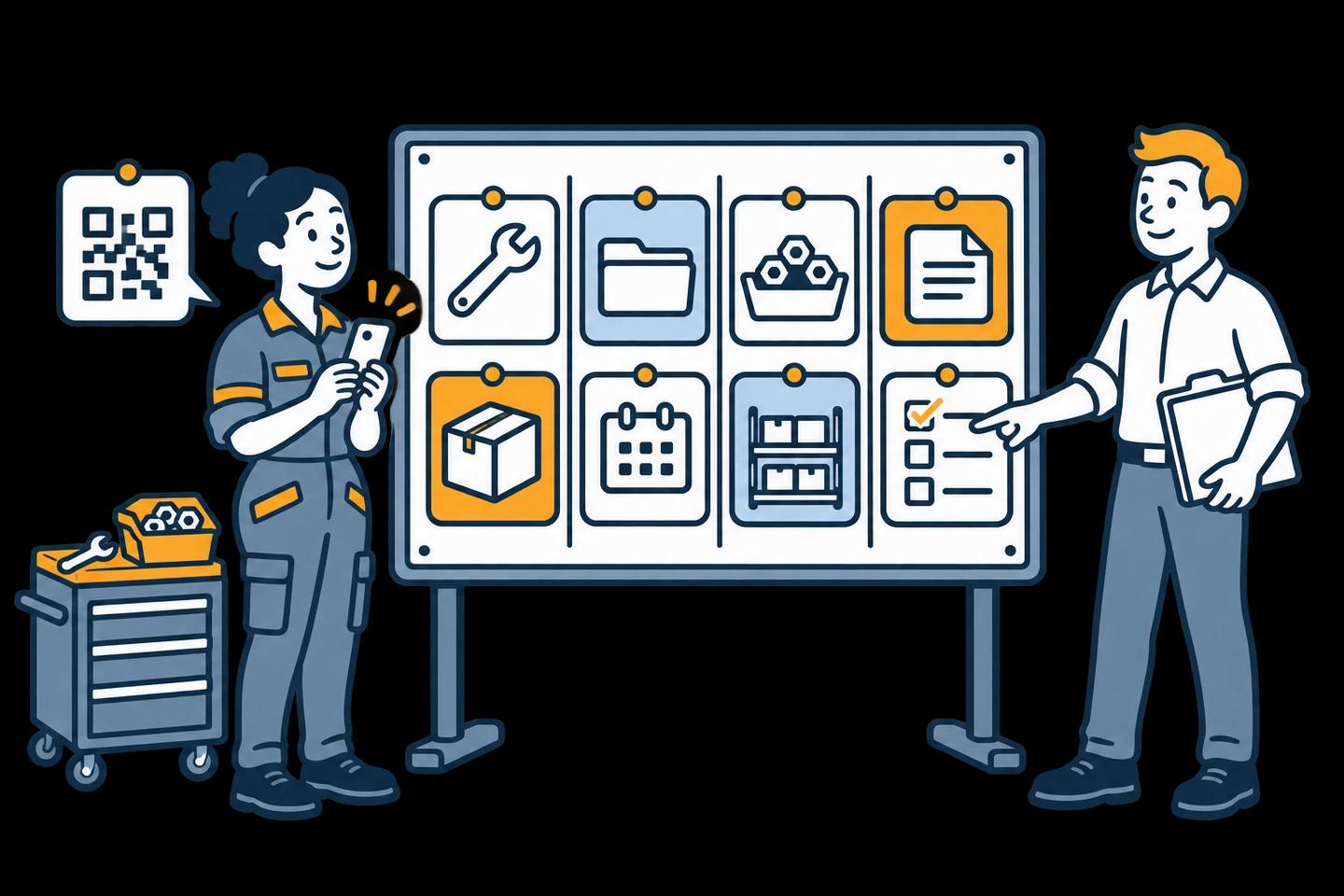
A filled board from New to Done, a printable PDF guide and a phone-to-board demo.
Explore this guide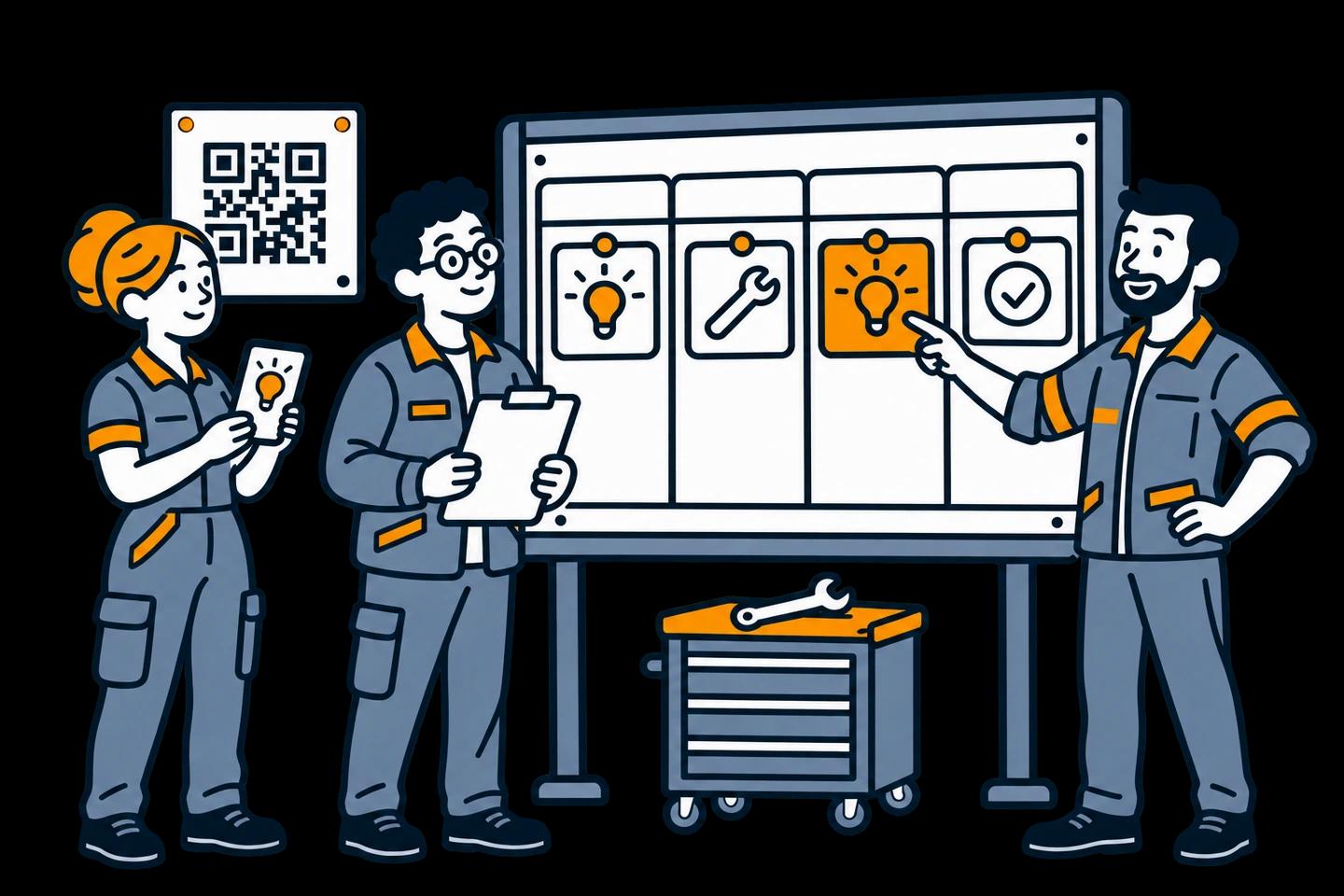
How to define a pilot and judge what happens after an idea is submitted.
Explore this guide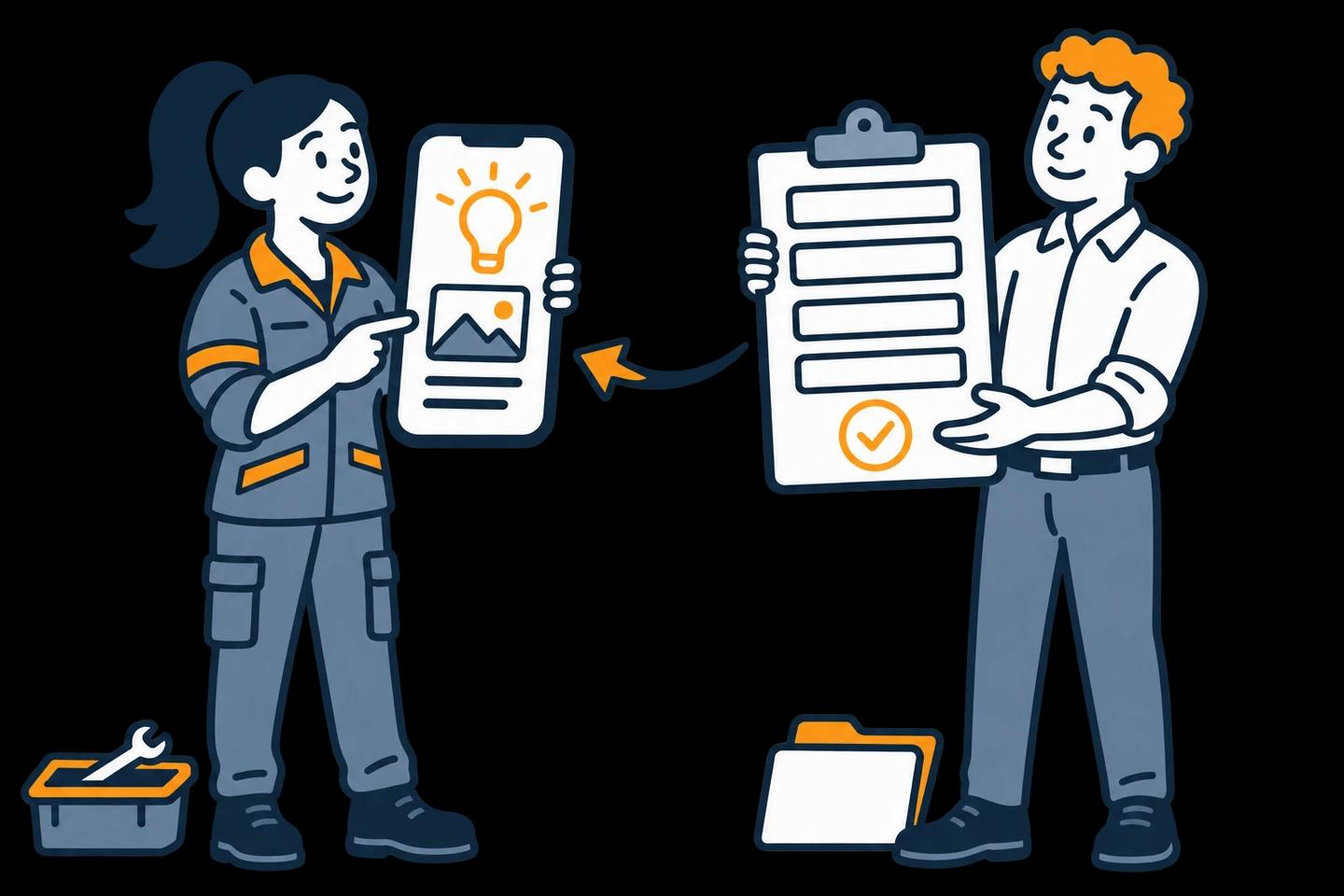
Forms, board examples and suggestion questions for your next team meeting.
Explore this guideTry it yourself
The live demo board holds sample ideas in every column, from a two-bin system in New to completed ideas with recorded savings in Done. Open the idea report for the year-to-date view. Then start the 30-day trial and run your next Kaizen idea on your own board.
Live demo: sample data, no signup. Trial: your own workspace with Business features, no credit card. Paid plans from €39/month, billed annually, with unlimited submitted ideas.
Try it with your team
Create your own workspace and try Business free for 30 days. No credit card needed to start.