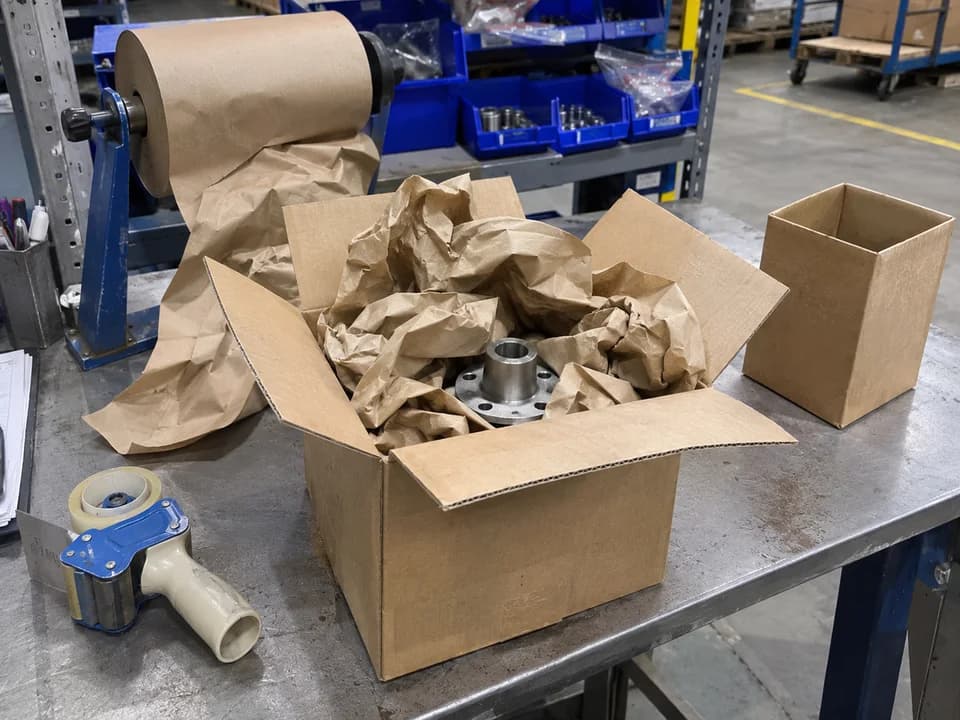
Boxes too big for the product
Packers add filler to the same item every day. A photo of the open carton shows the gap at a glance.
Logistics & warehousing
A QR code at the packing bench and the dock, one board for every shift and site: turn what your warehouse team notices into changes someone owns.
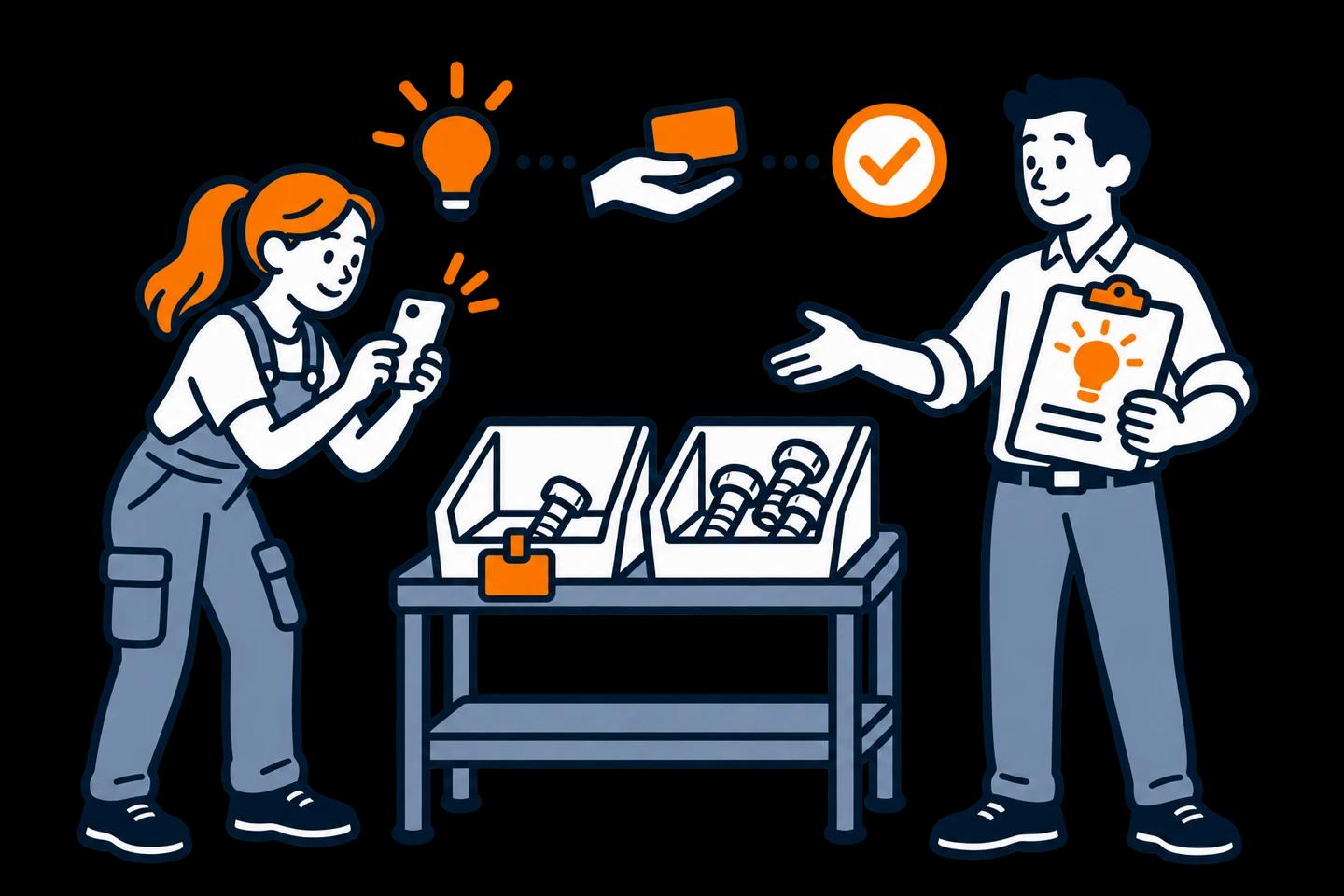
Your pickers know which bin labels confuse new starters. Your packers know which product ships in a box twice its size. Your drivers know why loading takes longer on Mondays. Most of that never reaches the person who can change it.
IdeaKanban turns it into logistics continuous improvement you can follow. A QR code at the packing bench or the dock opens the idea form on any phone. Photos show the problem. You review on one board and assign each idea to logistics, purchasing or quality.
Packers add filler to the same item every day. A photo of the open carton shows the gap at a glance.
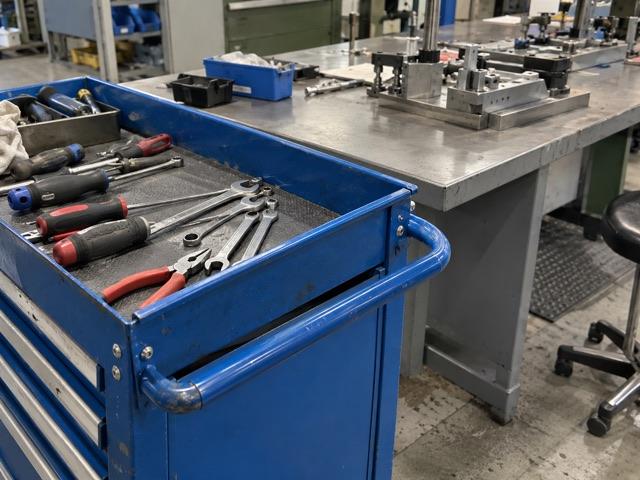
A faded bin label causes mis-picks. Tape guns and scanners have no fixed home. Name the aisle or station so the team can fix the exact spot.
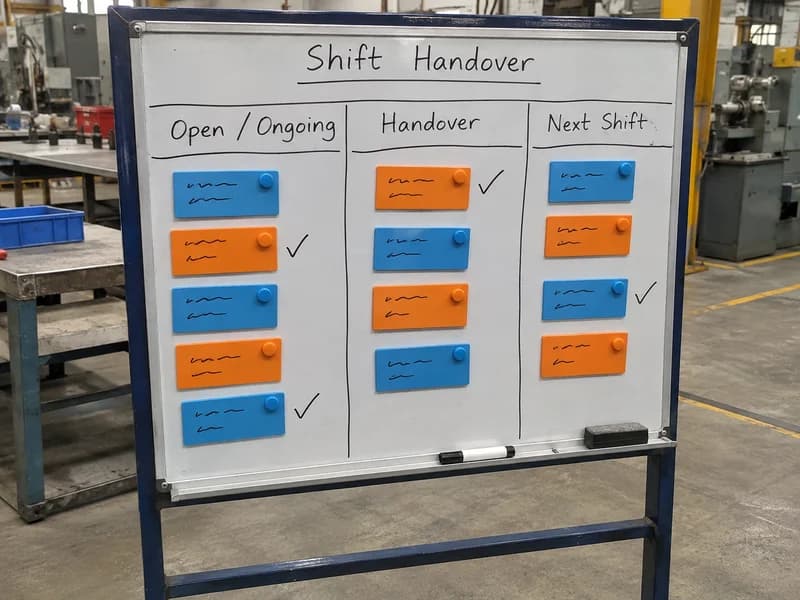
The late shift finds a half-checked delivery and no note. Ask what the handover should have said, and who writes it.
Worked example
One product, the same box every day, half of it filled with paper. Here's how that observation becomes a change.
New
Sven scans the QR code at packing bench 2. He writes “Smaller box for the flange set” and adds a photo of the open carton full of filler paper.
Approved
In the weekly review you approve it and assign Logistics. The shift lead gets the email link. You note that quality has to confirm the part stays protected.
In Progress
Logistics trials a smaller box on that one product and posts photos of packed parts through the link. Quality confirms the protection is still enough.
Done
The smaller box becomes the standard for that product. Once you can calculate the saving from real box and filler use, record it on the idea. It then appears in the year-to-date idea report.
A photo makes the problem obvious. The review makes sure the fix still meets your packing requirements. Try the same flow in the live demo.
Warehouses rarely run on one shift. Put the QR code where every shift passes: the dock door, the packing area, the break room. Every idea lands in the same New column, whether it came in at 6 a.m. or 10 p.m.
Agree one review slot a week, and one way each shift hears the outcome: the shift briefing, the notice board or the team chat.
Temporary and agency staff often spot problems fastest, because everything is new to them. They submit through the same QR code. There are no accounts to create or delete when people come and go.
Running several warehouses? Multi-Site (€399/month, billed annually) gives you multiple boards and locations with unlimited Idea Managers, so each site runs its own review.
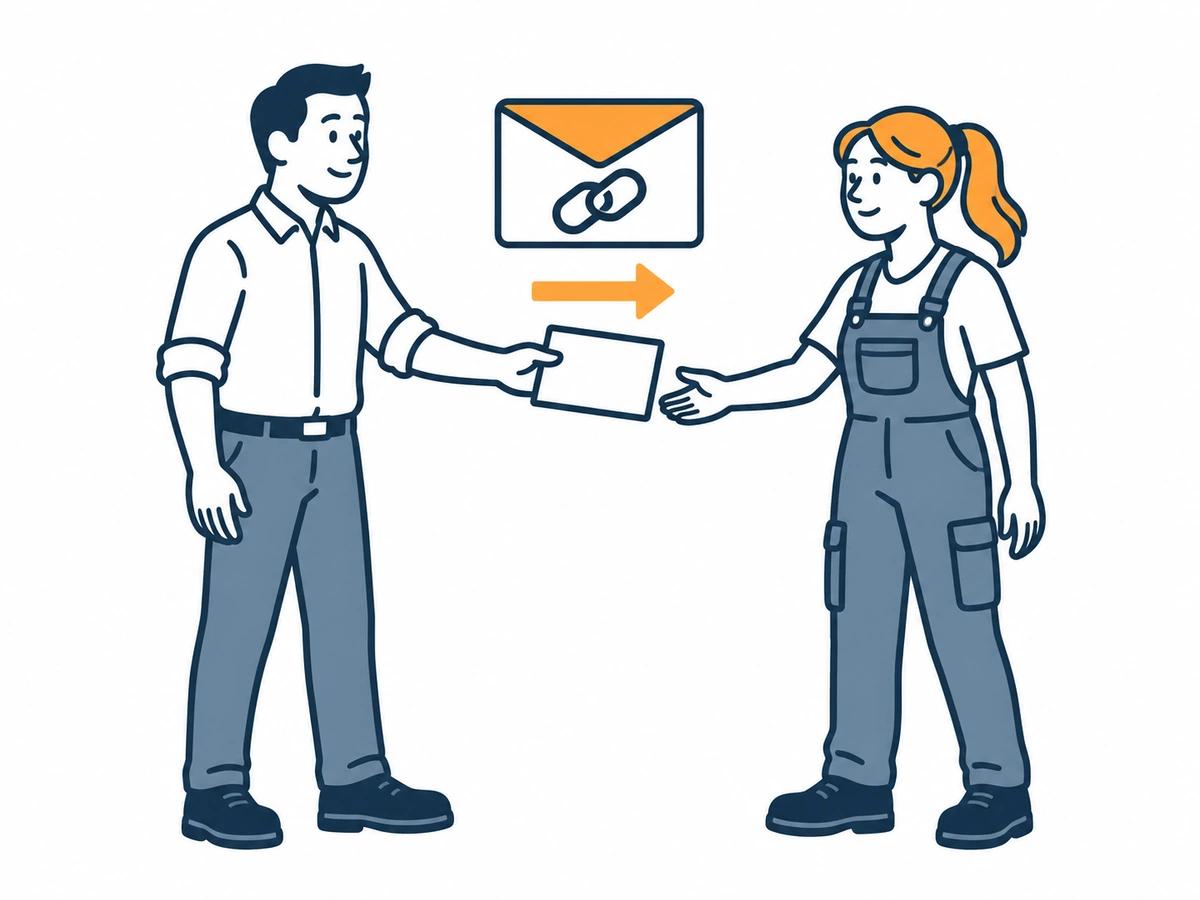
Clear ownership
A packaging change may need quality's approval. A new label printer is a purchasing question. A damaged rack is a safety report, not an idea.
Assign each approved idea to the department that does the work. They get an email with a secure link, add updates and photos, and the history stays on the card.
Inside the live demo
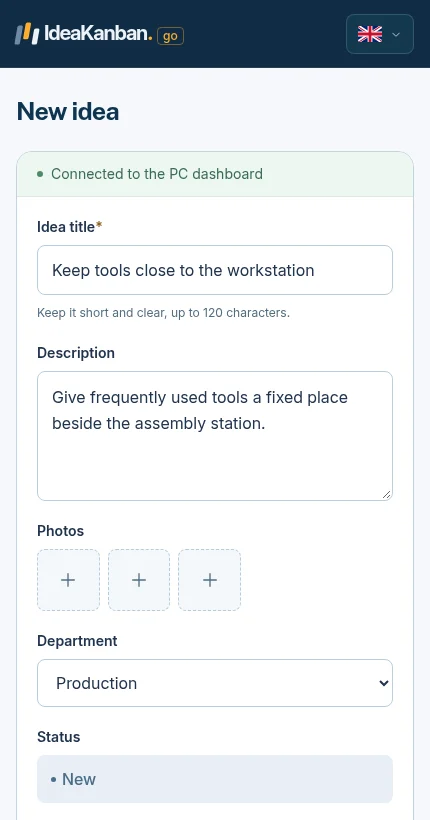
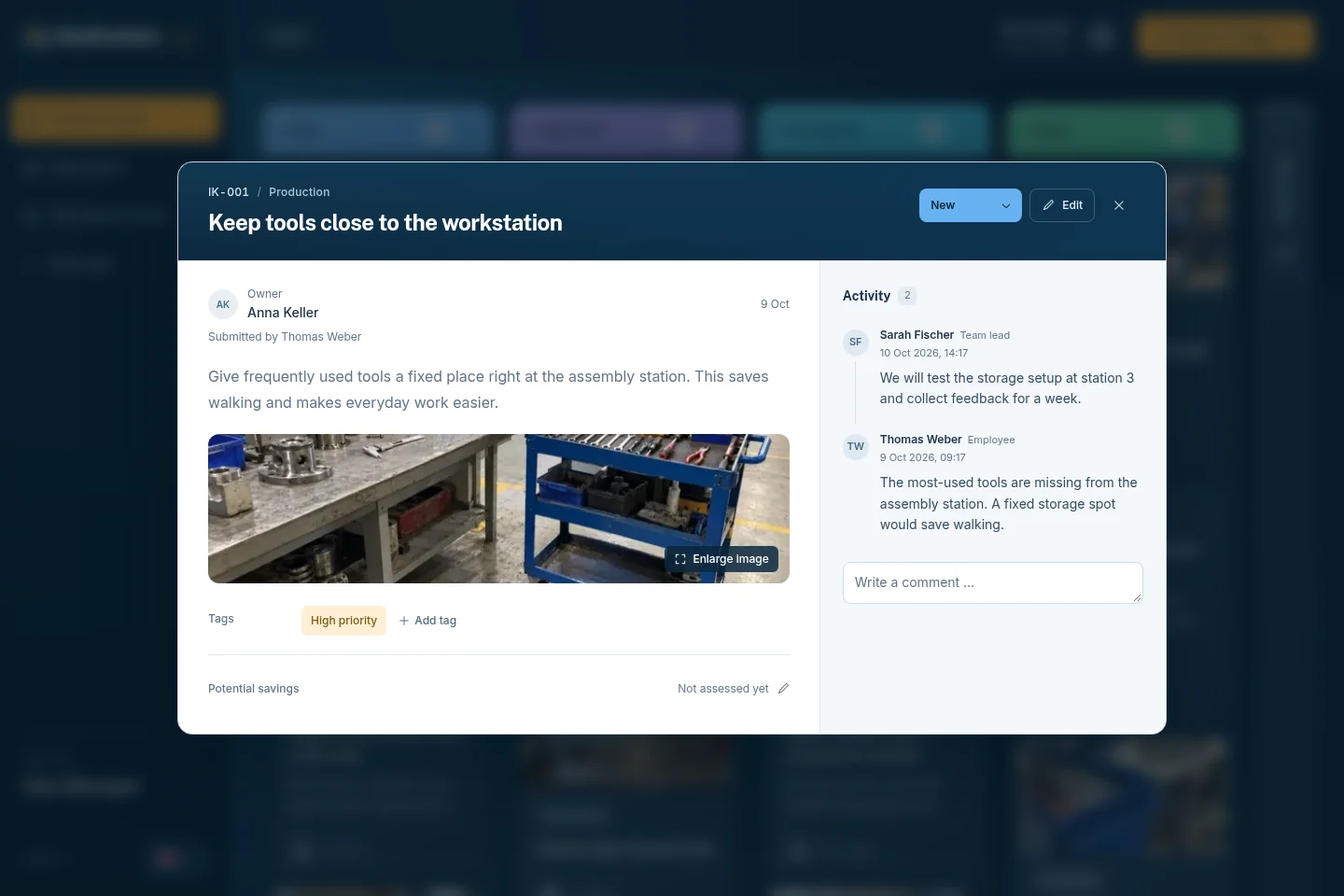
Both screens are from the live demo. The packer only needs the form; the board is for you and your departments.
01 / The employee form
02 / The Idea Manager view
Yes. Anyone with the QR code or link can submit from a phone browser. There are no employee accounts to manage.
Yes. All shifts submit to the same New column. Agree who reviews and how each shift hears decisions.
Multi-Site includes multiple boards and locations with unlimited Idea Managers. If you start with one warehouse, Starter (€39/month) or Business (€129/month) is enough.
No. Your team records a saving on the idea once it can back it up, for example with real material use. The idea report adds up recorded savings year-to-date.
Concrete suggestions and team questions on packing, printing, recycling and maintenance.
Explore this guide
A free one-page form, a filled example and a phone test in the demo.
Explore this guide
How shopfloor ideas reach production, quality and maintenance.
Explore this guideTry it yourself
The live demo board includes logistics examples: a checklist for incoming deliveries, labels for storage locations and shipping boxes that fit the order. Open them to see photos, departments and recorded savings on a real board. Then start the 30-day trial with one packing area.
Live demo: sample data, no signup. Trial: your own workspace with Business features, no credit card. Paid plans from €39/month, billed annually, with unlimited submitted ideas.
Try it with your team
Create your own workspace and try Business free for 30 days. No credit card needed to start.