Use cases
5 employee idea management use cases, each with a worked example.
A gauge nobody can find. A box twice the size of the part. A form in three versions. Pick your workplace and see how one idea gets from a phone to Done.

Pick the closest match
Five employee idea management use cases
Every workplace loses ideas in its own way: at the machine, at the packing bench, in the shared inbox. Each page follows one typical problem through IdeaKanban, from the first photo to a result someone has checked.

Small & medium-sized businesses
One person reviews ideas next to the day job. See how a 40-person company takes one idea from the break room to Done, and what it costs.
See the example
Manufacturing & shopfloor
Operators submit from the station by QR code, with a photo. Production, quality or maintenance get the approved idea by email link.
See the example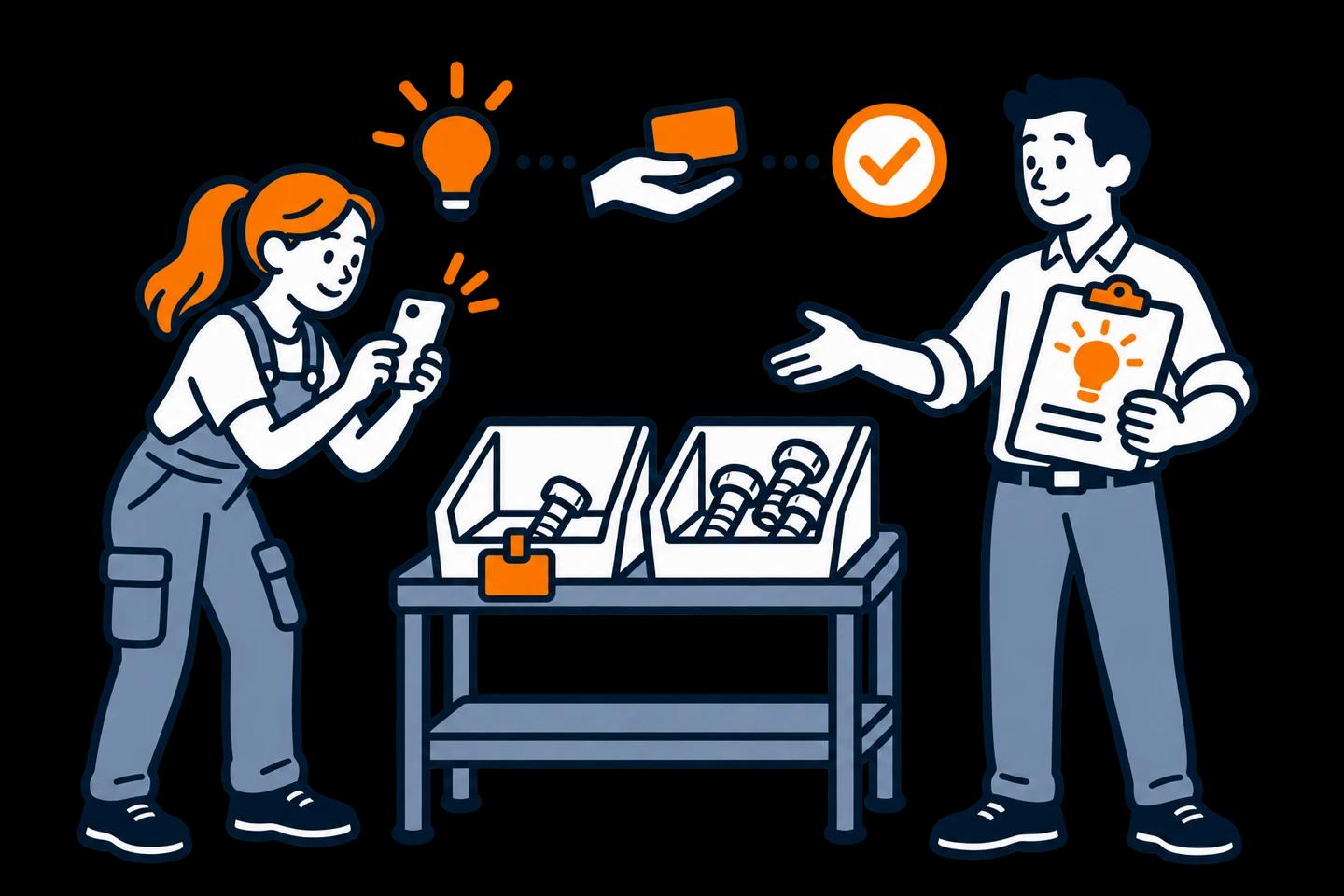
Logistics & warehousing
Pickers, packers and drivers report what slows them down, with a photo. Every shift submits to the same board.
See the example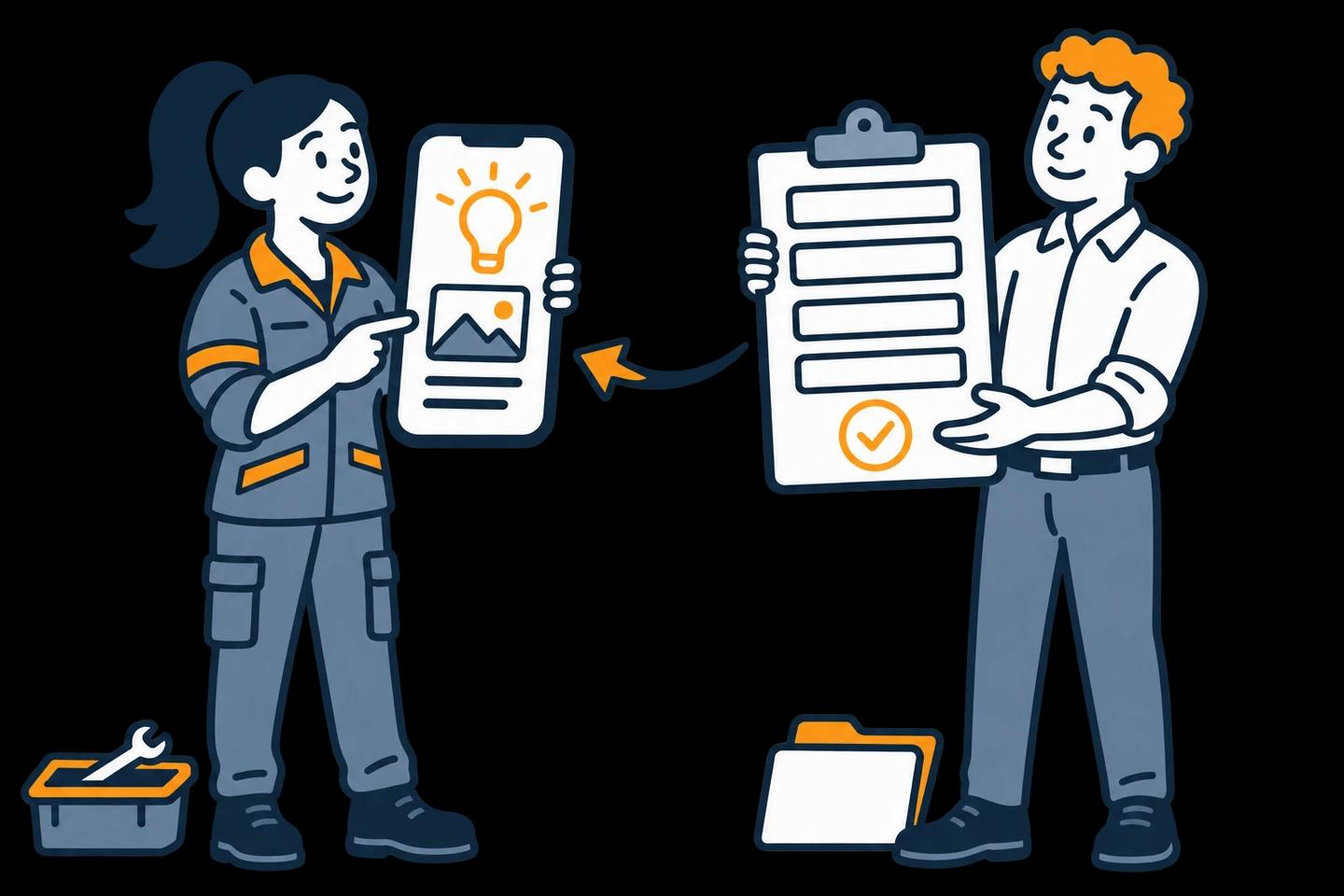
Office teams
The wrong form version, the inbox nobody owns, the handover without a next step. Give office ideas an owner and a status.
See the example
Continuous improvement & Kaizen
Kaizen between the workshops: every idea gets a status, an owner, a check at the workplace and, where you can prove it, a recorded saving.
See the exampleWhich use case fits your company?
- Choose Small & medium-sized businesses if you run a company of 20 to 200 people, and whoever reviews ideas also has another job.
- Choose Manufacturing & shopfloor if your ideas come from machines, lines and shifts, and the people who spot them don't sit at a desk.
- Choose Logistics & warehousing if your ideas come from the dock, the packing bench and the aisles, across several shifts or sites.
- Choose Office teams if your ideas are about forms, inboxes, handovers and approvals, in finance, HR, sales or customer service.
- Choose Continuous improvement & Kaizen if you already run Kaizen, lean or a CIP, and the follow-up on small ideas is where it stalls.
Not sure? Most companies start with the area where ideas already come up every week, and where one team can act on them quickly.
The same four steps in every team
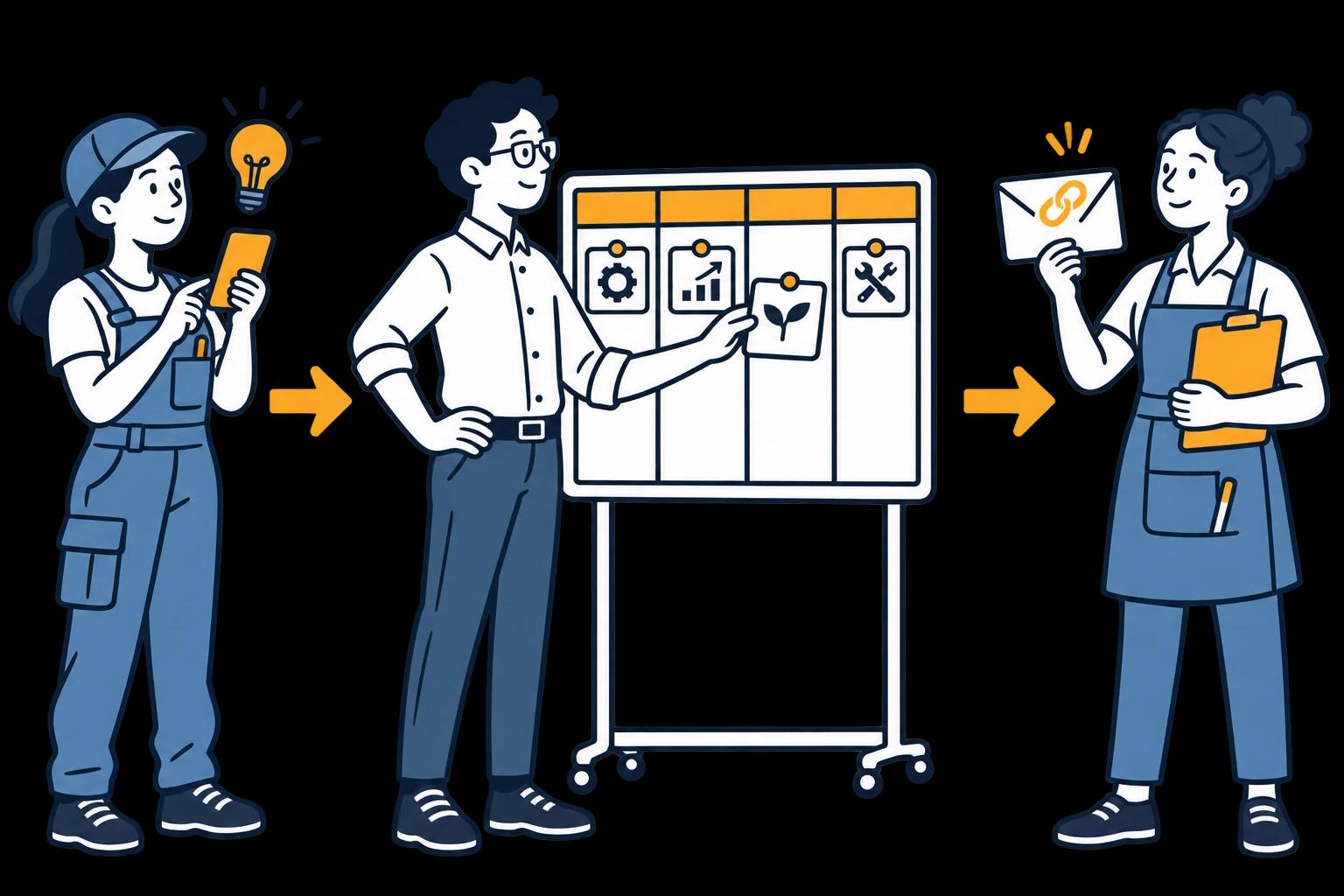
Submit by QR code
Employees scan a QR code or open a link and describe the idea, with a photo if it helps. No account, no app.
Decide on one board
An Idea Manager approves, asks a question or discards with a reason. Every idea gets an answer.
Hand it to a department
The team that does the work gets an email with a secure link to the idea. No login needed.
Follow it to Done
The department posts updates and photos. You check the result, close the card and record any saving you can prove.
Who does what
Three roles, and only one needs a login
Employees share what they see. An Idea Manager decides what happens next. The responsible department takes an approved idea forward and reports back through its email link.
That keeps costs predictable. You pay for Idea Managers, departments and locations, not for every employee, and submitted ideas are unlimited. The access and roles guide explains each route for your IT review.
Inside the actual demo
See both sides in the live demo.
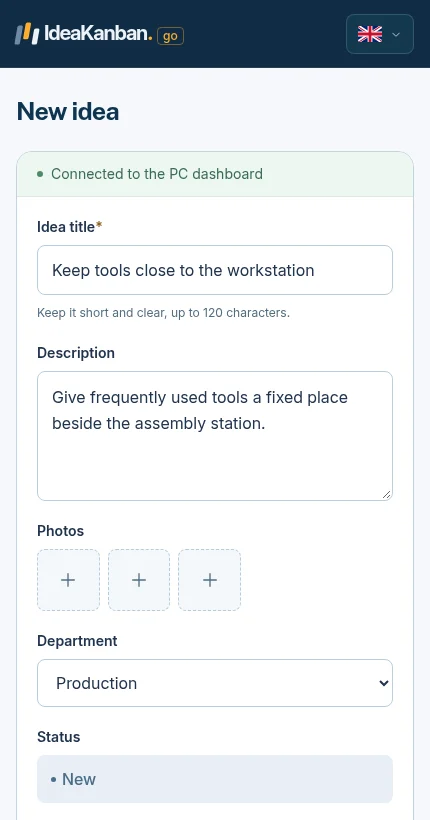
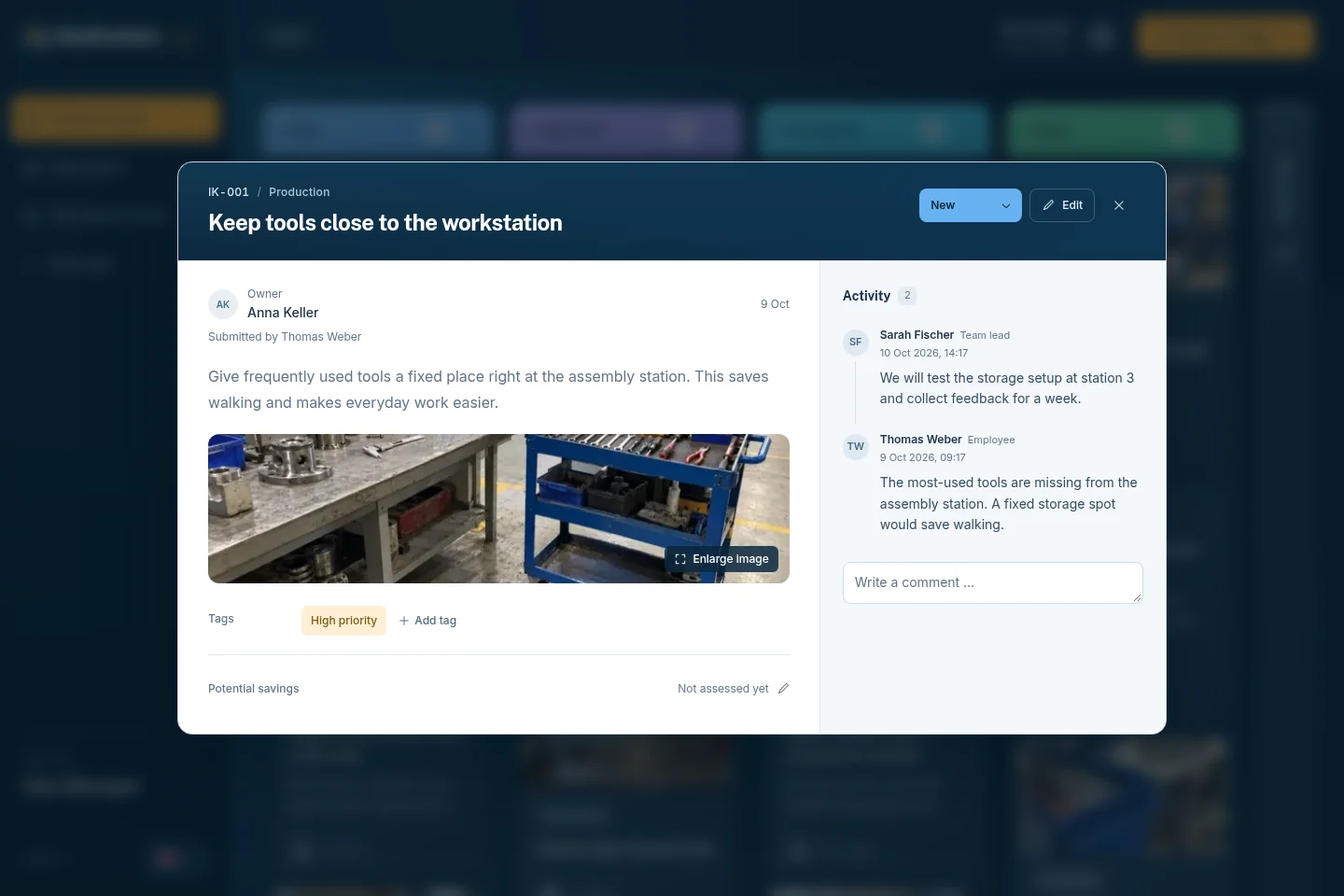
A suggestion needs context at submission and a clear place for the next action during review. These are real product views you can explore in the free demo.
01 / The employee shares the context
02 / The Idea Manager reviews the idea
Free resources for your first week
Templates and examples
A printable suggestion form, eight board examples and 25 ideas with questions for your next team meeting.
Explore this guidePlan the introduction
Choose a reviewer, run a small pilot and show employees what happens to their ideas.
Explore this guide
Compare the software
IdeaKanban, HYPE Boards and Ideanote side by side: submission access, workflow and pricing model.
Explore this guideTry it yourself
Every example on one board
The live demo board holds sample ideas from production, logistics, facility management and the office, spread across New, Approved, In Progress and Done. Open it, click through the cards and submit an idea of your own. No signup needed.
The trial gives you your own workspace with Business features, no credit card. Paid plans from €39/month, billed annually.
Try it with your team
Give your next idea a place to start.
Create your own workspace and try Business free for 30 days. No credit card needed to start.