Employees submitting ideas
Open the form by QR code or submission link. No workspace account is needed to submit. Employees add a title, a description and optional photos.
IT & data privacy
Forward this page to whoever signs off your rollout. It covers where IdeaKanban is hosted, who needs a login and how the browser-based workflow connects employees, Idea Managers and departments.

Hosting and data location

Start with your workspace
IdeaKanban stores your ideas, photos and accounts in Frankfurt, Germany. Check this against your company’s data location requirements before you introduce a company workspace.
Storage is one part of the review. If you need details on processing terms, supporting services such as spam protection and email delivery, or backups, ask us to confirm them for your intended workspace.
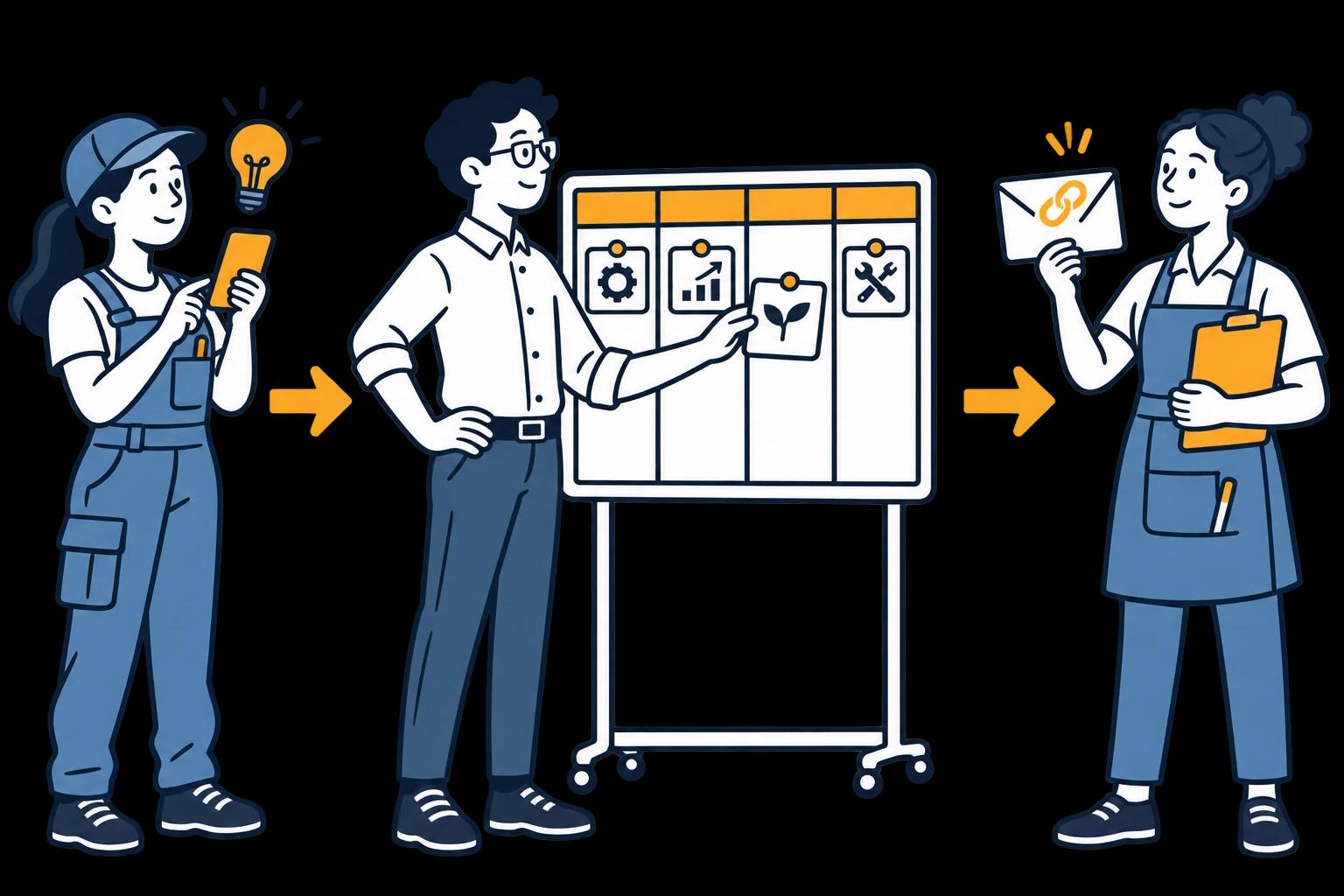
Open the form by QR code or submission link. No workspace account is needed to submit. Employees add a title, a description and optional photos.
Log in to review and manage the full board. Your plan sets the capacity for coordinators, departments and locations.
Get a secure email link to update their assigned idea, without a workspace login. The link does not open the full board.
Share department update links only with the people doing the work. Login-free describes the access route, not anonymity: the text or photos in a suggestion can still identify someone.
Which data is stored there, who has access and what to record before sign-off.
Explore this guideThe employee form, the manager workspace and the department link as three separate routes.
Explore this guideA free worksheet to test real devices, photos, inboxes and the feedback handover.
Explore this guideInside the actual demo
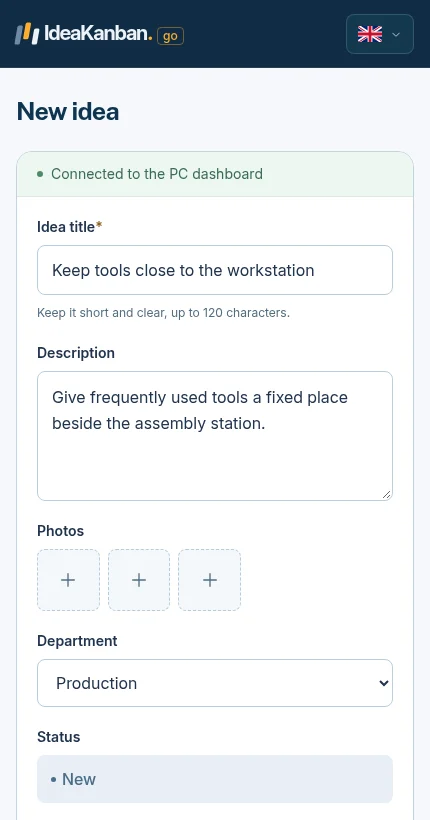
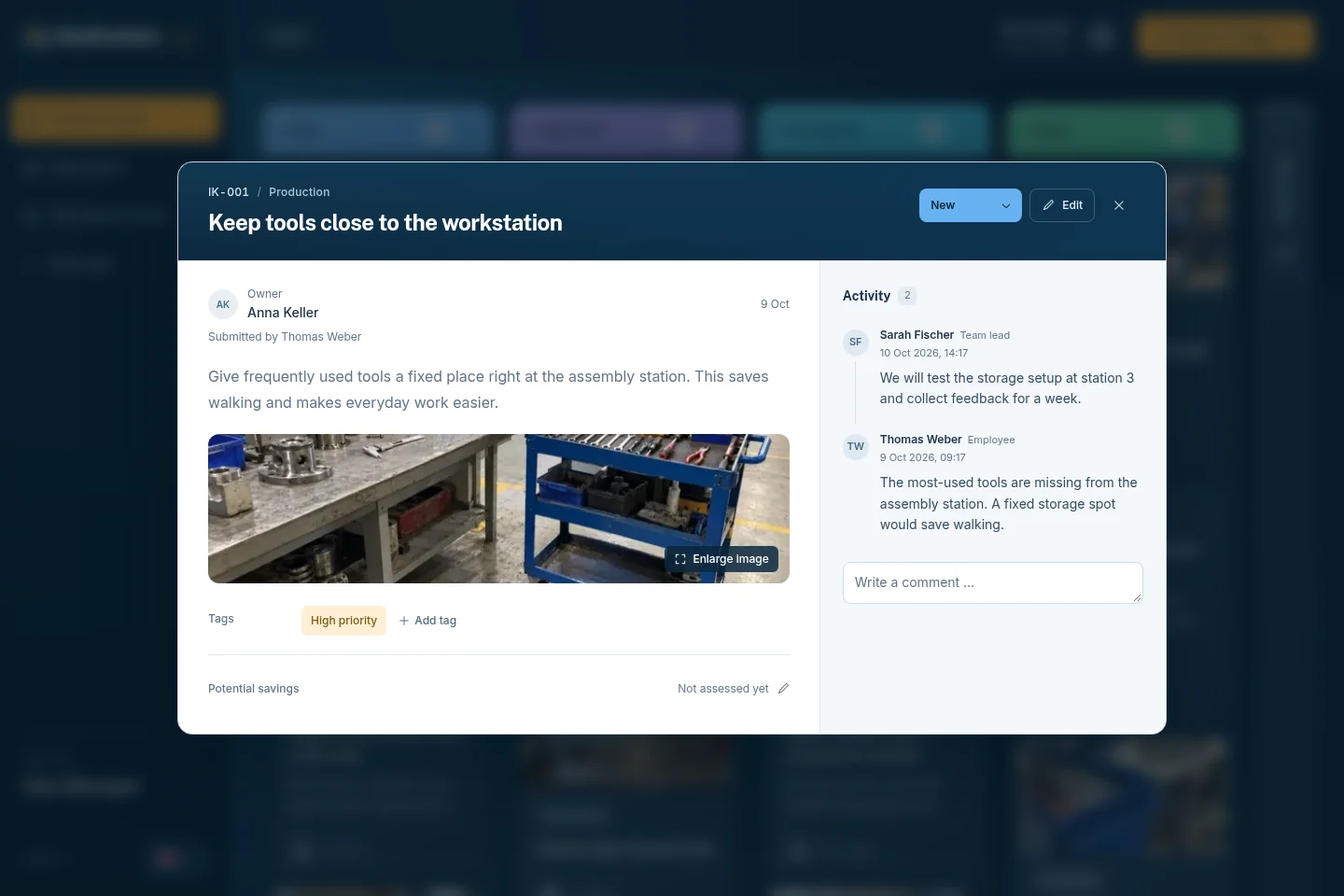
A suggestion needs context at submission and a clear place for the next action during review. These are real product views you can explore in the free demo.
01 / The employee shares the context
02 / The Idea Manager reviews the idea
There is no local software or server to install. Idea Managers work in their browser, employees use the submission form and departments open the links sent by email.
Before rollout, test on the devices and network your team really uses. Check that the QR poster opens the right form, that a typical photo goes through where photos are allowed, and that the department email reaches the right inbox.
Your company may have rules for devices, networks or photos. Agree the submission route with whoever owns those rules, and show employees where they can use it.
Our website Privacy Policy covers this website. The Imprint identifies LeanActivity GmbH, the company behind IdeaKanban.
For a workspace review, contact us with your data location requirements, the data you plan to collect and any contractual or technical requirements. Get the applicable processing information before you make commitments to employees.
When you launch, tell employees what to submit, who reviews it and how they will hear back. Keep personal details and photos to what the improvement needs.

Create the workspace, add departments and share your team’s submission route.
Explore this guide
Name a reviewer, agree responsibilities and test a small pilot with one team.
Explore this guide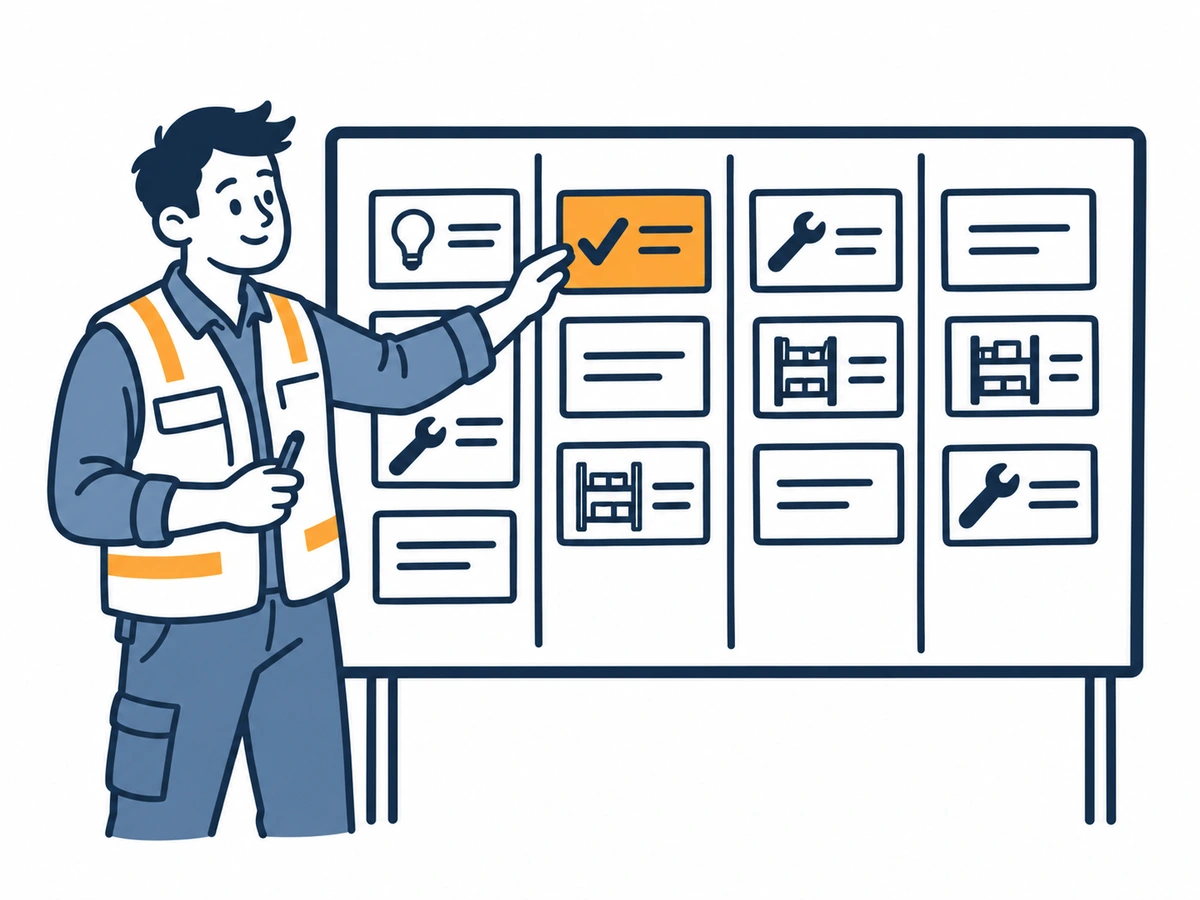
Idea Manager, department, board and location capacity for each plan.
Explore this guideIn Frankfurt, Germany. IdeaKanban stores your ideas, photos and accounts there. Supporting services such as spam protection and email delivery work separately; ask us which ones apply to your workspace before rollout.
No. The secure link is for updating the assigned idea. Idea Managers use their login to manage the full board.
No. The demo is a temporary environment with sample data for exploring the product. The Business trial creates a separate workspace for your company.
Try it with your team
Create your own workspace and try Business free for 30 days. No credit card needed to start.