IT rollout checklist

9 IT checks before you launch an employee suggestion system.

A form that opens on your office laptop proves very little. Run one test idea through the phones, network and inboxes your team really uses, and give every open point an owner.

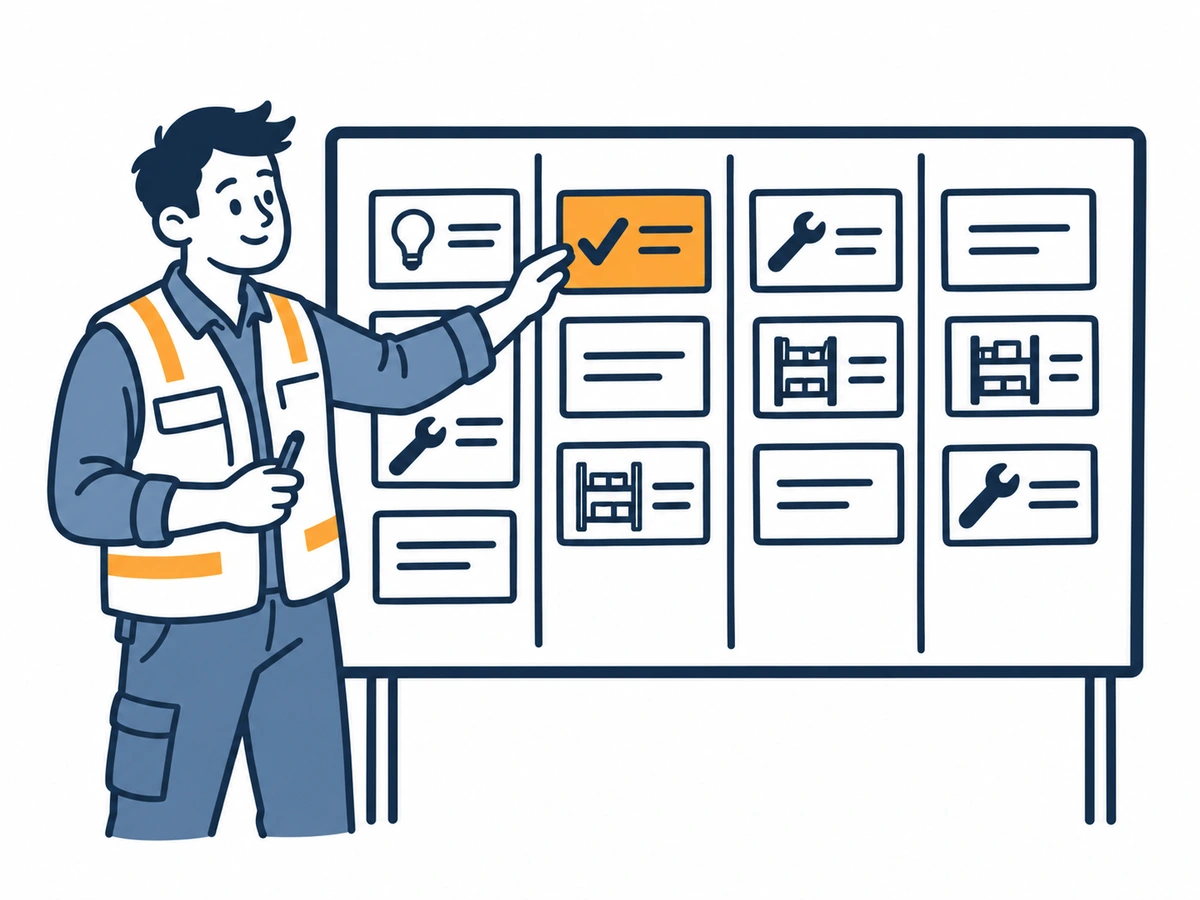
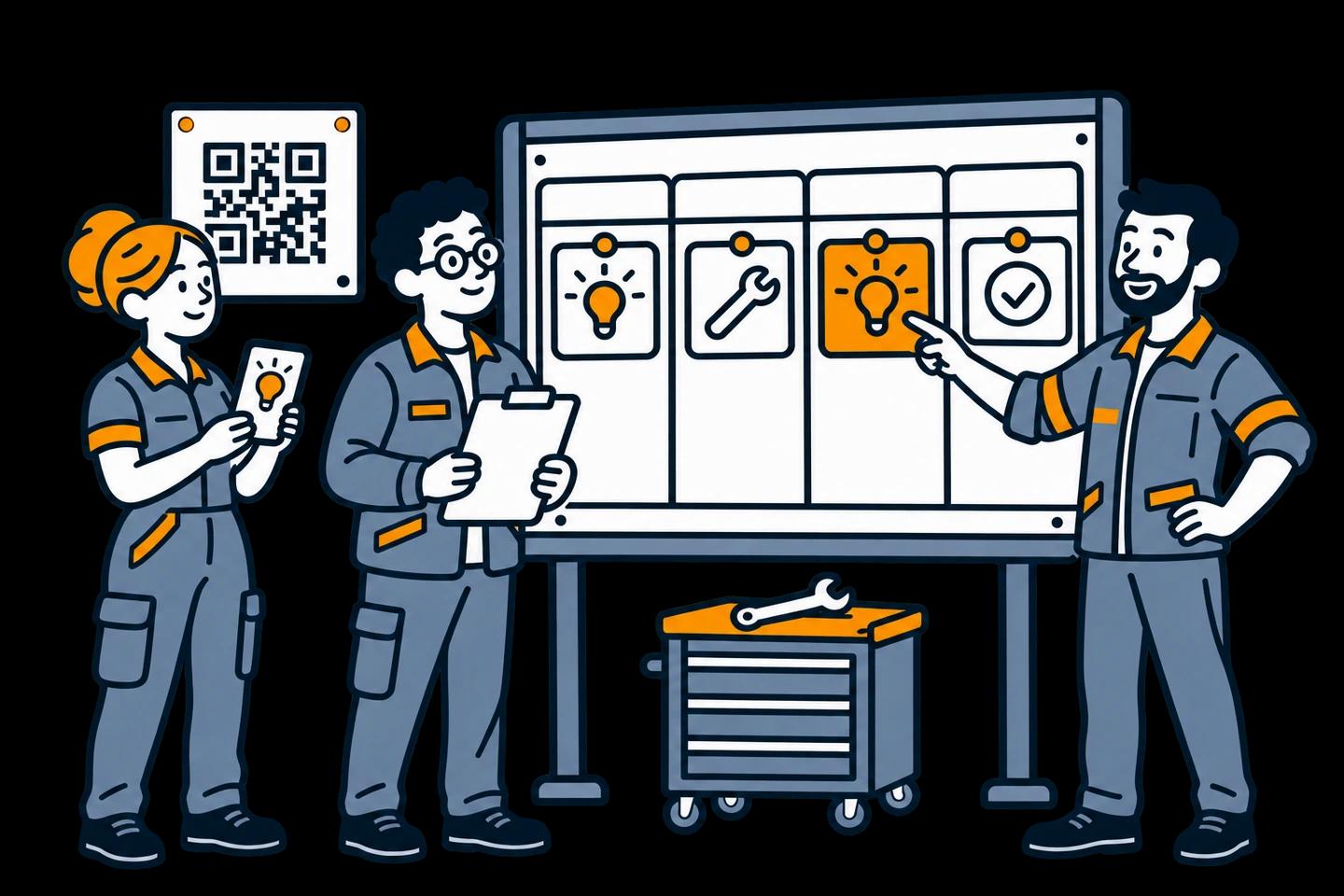
Illustration of an IT coordinator and a supervisor testing a QR submission route.

Free printable checklist

Download the checklist, then run one test idea.

Use the PDF to mark each check as pass, issue or still to confirm, with an owner and a next step. It is a working checklist for your rollout, not an audit or a certification.

Pick a harmless test idea that looks like real use, for example a marked spot for a shared gauge. Run it with one employee, your Idea Manager and the department that would act on it.

Checks 1–3: settle the setup and the people.

Check 1 / 9

Confirm the data location

IdeaKanban stores ideas, photos and accounts in Frankfurt, Germany. Check that against your requirements and settle any company-specific processing questions.

Evidence: The data location check and any open processing questions are written down.

Owner: Company sponsor / IT or privacy reviewer

Check 2 / 9

Agree what belongs in an idea

Write one realistic test idea with only the context a reviewer needs. Tell employees how to handle personal details and confidential material.

Evidence: The test idea and employee guidance match how you will use it.

Owner: Idea coordinator / privacy reviewer

Check 3 / 9

Test the manager login

Have your Idea Manager sign in and find the right workspace. Agree who reviews ideas when the coordinator is away.

Evidence: The coordinator reaches the board; review cover is agreed.

Owner: Idea Manager

Illustration of two colleagues discussing where data is stored, beside a globe and a server cabinet.
Know where the data is stored, then clarify the scope of processing.

Your data location

Write down what is agreed and what still needs confirming.

Ideas, photos and accounts are stored in Frankfurt, Germany. Use the data-residency questions to clarify the rest; don’t assume every supporting service or record follows the same arrangement.

Checks 4–6: test employee access where the work happens.

Check 4 / 9

Open the real employee route

Open your team's submission link on a phone employees actually use. Don't assume a company email address or a workspace login.

Evidence: Employees can reach their submission form.

Owner: Employee representative / rollout lead

Check 5 / 9

Scan the QR where it will hang

Test the real poster spot, phone and network. In a public-demo test, use the QR code from the desktop session to connect both devices.

Evidence: The scan opens the right form from the work area.

Owner: Team lead / IT

Check 6 / 9

Try a harmless sample photo

Where phone and photo rules allow it, attach a harmless picture like the ones employees will share. Check it in the submission and the review view.

Evidence: The reviewer can see the image and understands why it is there.

Owner: Employee representative / Idea Manager

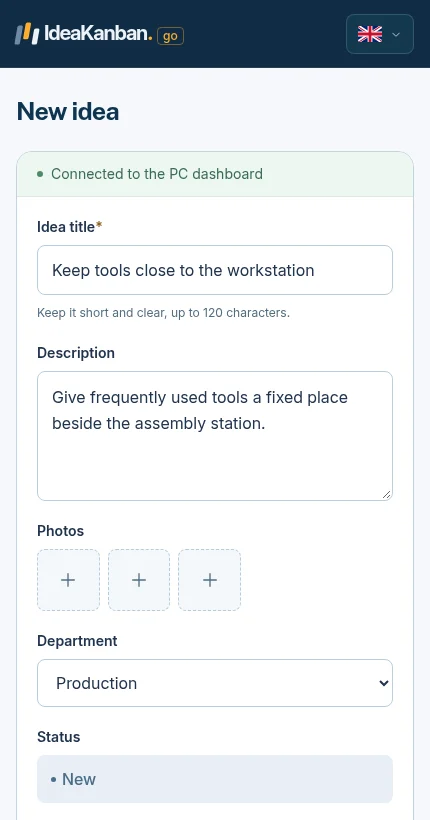
Actual IdeaKanban phone submission form with fields for an idea, photos and the department.
The submission form in a phone browser. Employees reach it by QR code or link, without an account.

Checks 7–9: prove the handover and close open questions.

Check 7 / 9

Test the department email handover

Assign the test idea to the real department. Check that the email arrives, open the secure link and post an implementation update.

Evidence: The right inbox gets the link and the update stays with the idea.

Owner: Responsible department / IT

Check 8 / 9

Walk through one review and reply

Record a decision, a responsible team and a next action. Agree how the employee hears the decision, including when the answer is no.

Evidence: Everyone involved knows the handover and the feedback route.

Owner: Idea Manager / team lead

Check 9 / 9

Close the open questions

Give every open access, processing or operations question an owner and a next step. If your pilot runs past the 30-day trial, confirm ongoing access.

Evidence: The sponsor sees what is ready and what still needs a decision.

Owner: Company sponsor

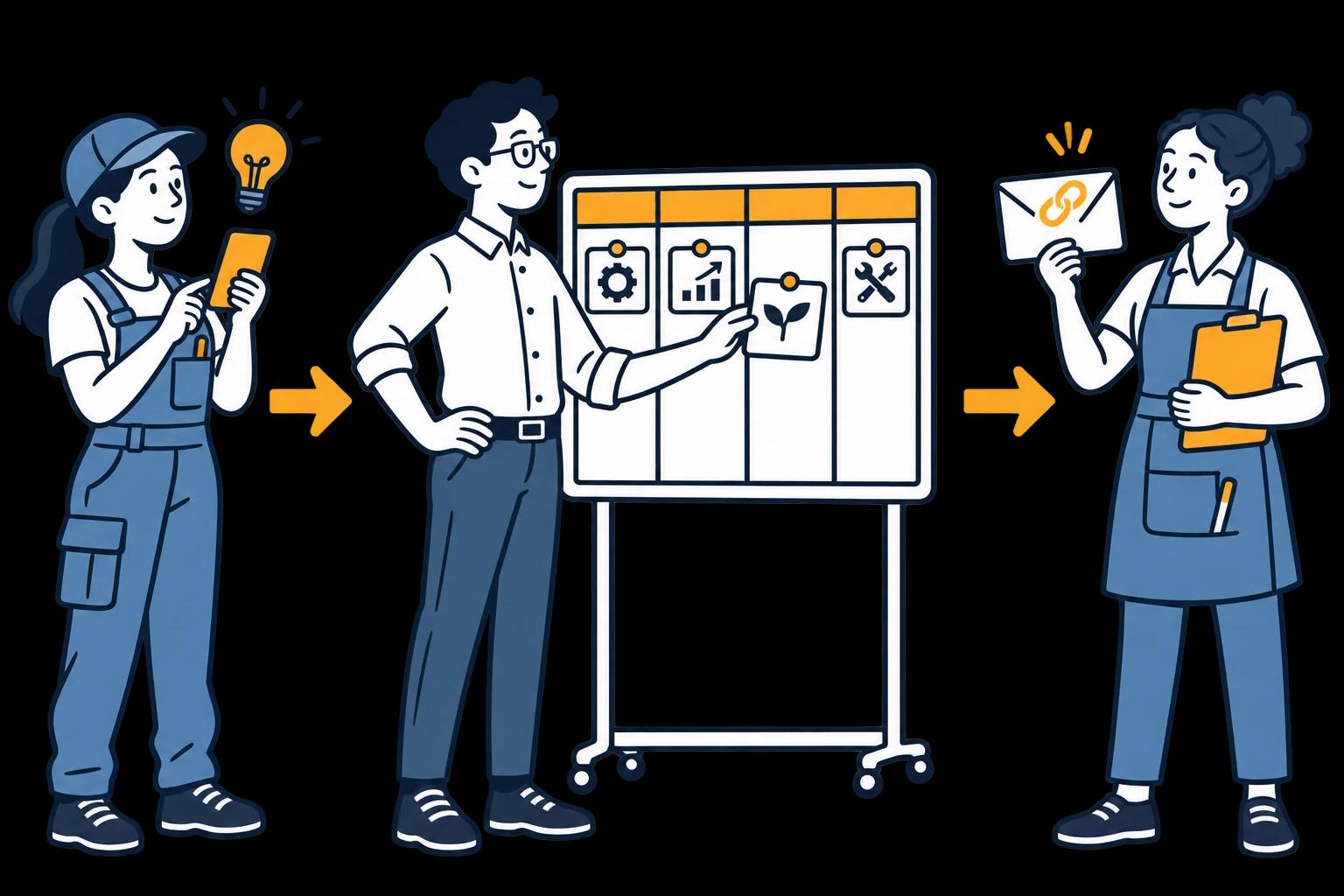
Illustration of an employee submitting an idea, a coordinator reviewing a board and a department colleague holding an update link.
Three jobs in the process: submit, manage and update assigned work.

The full route

The test ends when the department posts an update.

An idea landing in New is only the first check. Carry on through review, department assignment and an update, using the real inbox and the real roles.

Agree how the employee hears the decision, too. That feedback route belongs to the team, alongside the technical test.

What to do when a check fails.

Note what you saw, which device or route you tested and who owns the next step. Keep the test idea’s title so whoever investigates can find the same idea.

Some issues are technical, such as access from the site network. Others are organisational, such as who owns a department inbox. Bring in the right person, fix it and retest that handover before you widen the rollout.

Try it with your team

Give your next idea a place to start.

Create your own workspace and try Business free for 30 days. No credit card needed to start.

Try interactive demo