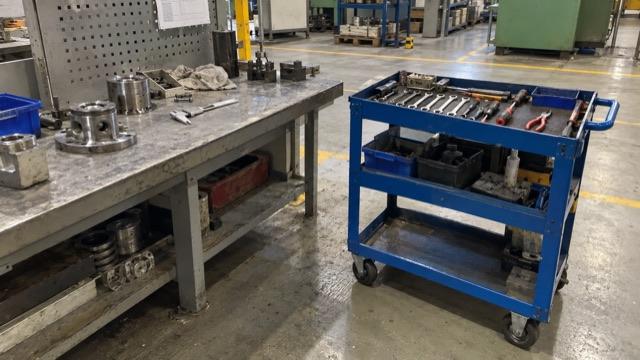
Tools and gauges that wander
A shared gauge ends up on three different benches. The next operator starts the job by searching. A photo of the empty spot says more than a paragraph.
Manufacturing & shopfloor
Let operators report problems right at the station, by phone with a photo and without an account, and route each approved idea to production, quality or maintenance.

Your operators see problems first: the gauge that's never where it should be, the setup sheet that skips a step, the quality check two shifts read differently. But they're at the machine, not at a desk. By break time, the detail is gone.
With IdeaKanban, the QR code hangs at the station. Operators scan it, describe what they see and add a photo while the problem is still in front of them. No account, no app. You review it on the board and send it to production, quality or maintenance.
A shared gauge ends up on three different benches. The next operator starts the job by searching. A photo of the empty spot says more than a paragraph.
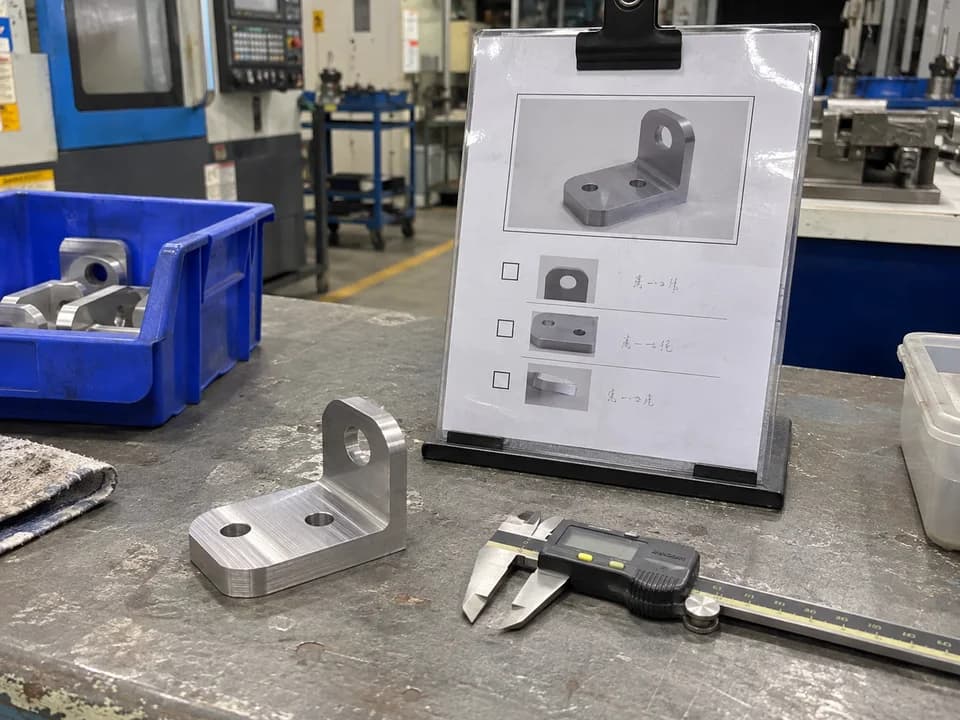
The instruction says “check the hole position”, and early and late shift do it differently. A photo of a good and a bad part makes the question concrete.
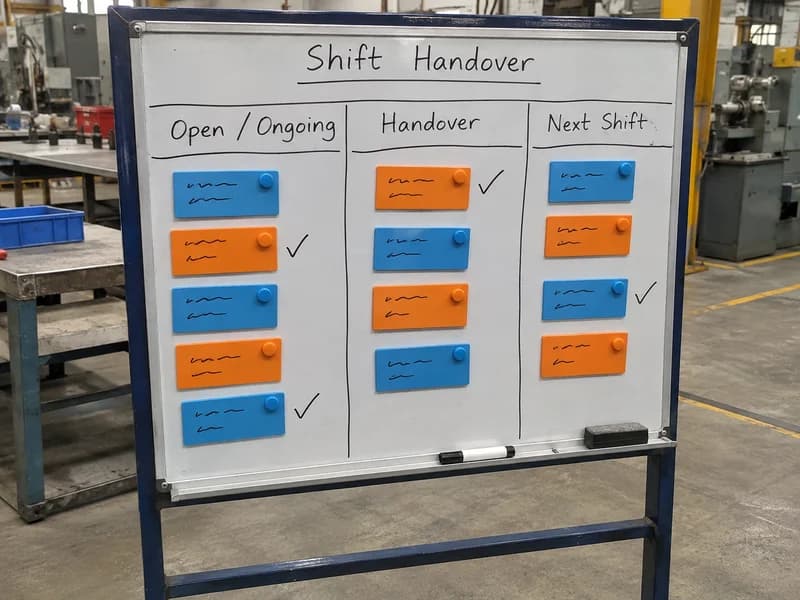
A fault gets mentioned at shift change, but nobody writes down the next step. The night shift starts from zero.
Worked example
Here's how one shopfloor idea runs through IdeaKanban, from the QR poster to a result both shifts have checked.
Operators see problems first. But they're at the machine, not at a desk. By break time, the detail is gone. So hang the QR code right at the station. Here's one idea, from station four to done. Early shift. Thomas can't find the bore gauge again. He scans the poster, writes one line and adds a photo of the benches where it usually turns up. At the daily review, the production manager approves it and assigns Production. The team leader gets an email with a secure link. The team agrees on a fixed spot with both shifts, marks it on the bench and posts a photo through the link. A week later, both shifts find the gauge without asking around. The card moves to done, and Thomas hears about it at the next shift briefing. Photo, decision, update and result, all on one card. No chat thread to dig through. One tip for the poster: add three prompts. Where? What happens today? What would you change? See shopfloor ideas on a real board in the live demo. IdeaKanban. From idea to done.
Pressing play loads the video from Vimeo. Privacy policy
New
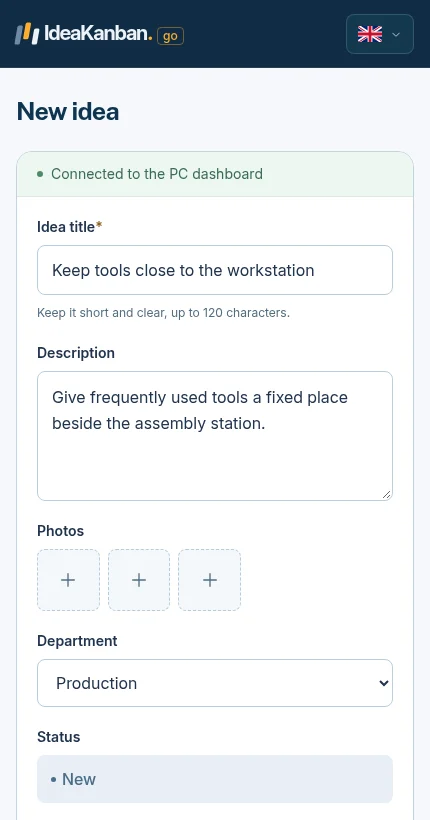
On early shift, Thomas can't find the bore gauge again. He scans the poster at station 4, writes “Give the bore gauge a fixed spot at station 4” and photographs the benches where it usually turns up.
Approved
At the daily review, the production manager approves the idea and assigns Production. The team leader receives an email with a secure link to the idea.
In Progress
The team leader agrees a spot with both shifts, marks it on the bench and posts a photo of the result through the link.
Done
A week later, early and late shift confirm they found the gauge without asking around. The card moves to Done, and Thomas hears about it at the next shift briefing.
The photo, the decision, the update and the result stay on one card. Nobody has to dig through a chat thread to find out what happened. Try the same flow in the live demo.
A QR code on its own gets you vague ideas. Three short prompts on the poster get you ideas you can act on.
Station, machine or line number. “Station 4” beats “somewhere in assembly”.
One sentence about what you see. The root cause can wait for the review.
A first idea is enough. The responsible team will refine it.
Hang one poster per area: assembly, machining, packing. Check your site's rules on phones and photos first, and keep people and confidential drawings out of the picture.
Clear ownership
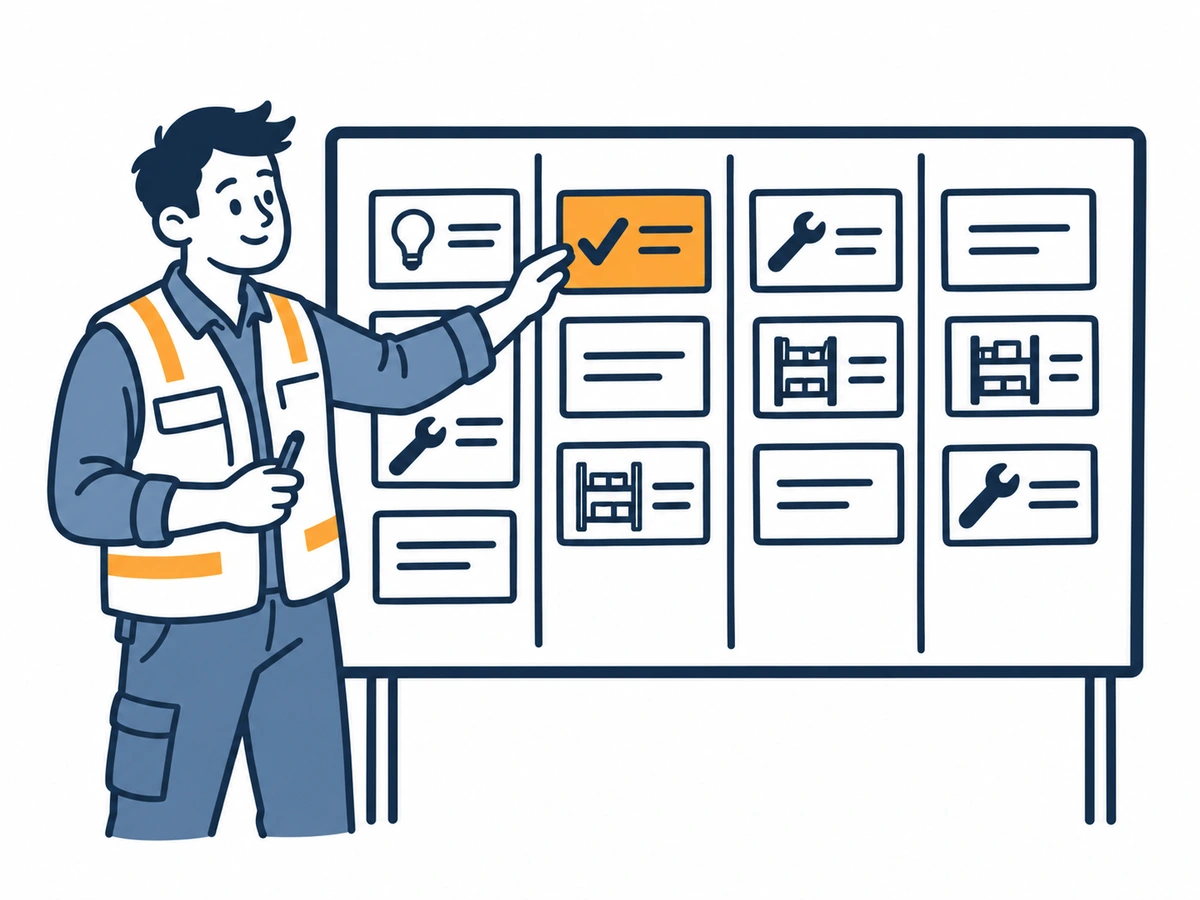
Assign each idea to the department that does the work: production, quality, maintenance or tooling. They update it through their email link, so progress stays on the card.
Approval on the board doesn't replace the sign-off your site needs for changes to machines, safety distances or inspection instructions. Name who gives that sign-off before you start.
Hazards and near misses don't go on the idea board. They go straight into your safety reporting route. Say so on the poster.
Inside the live demo
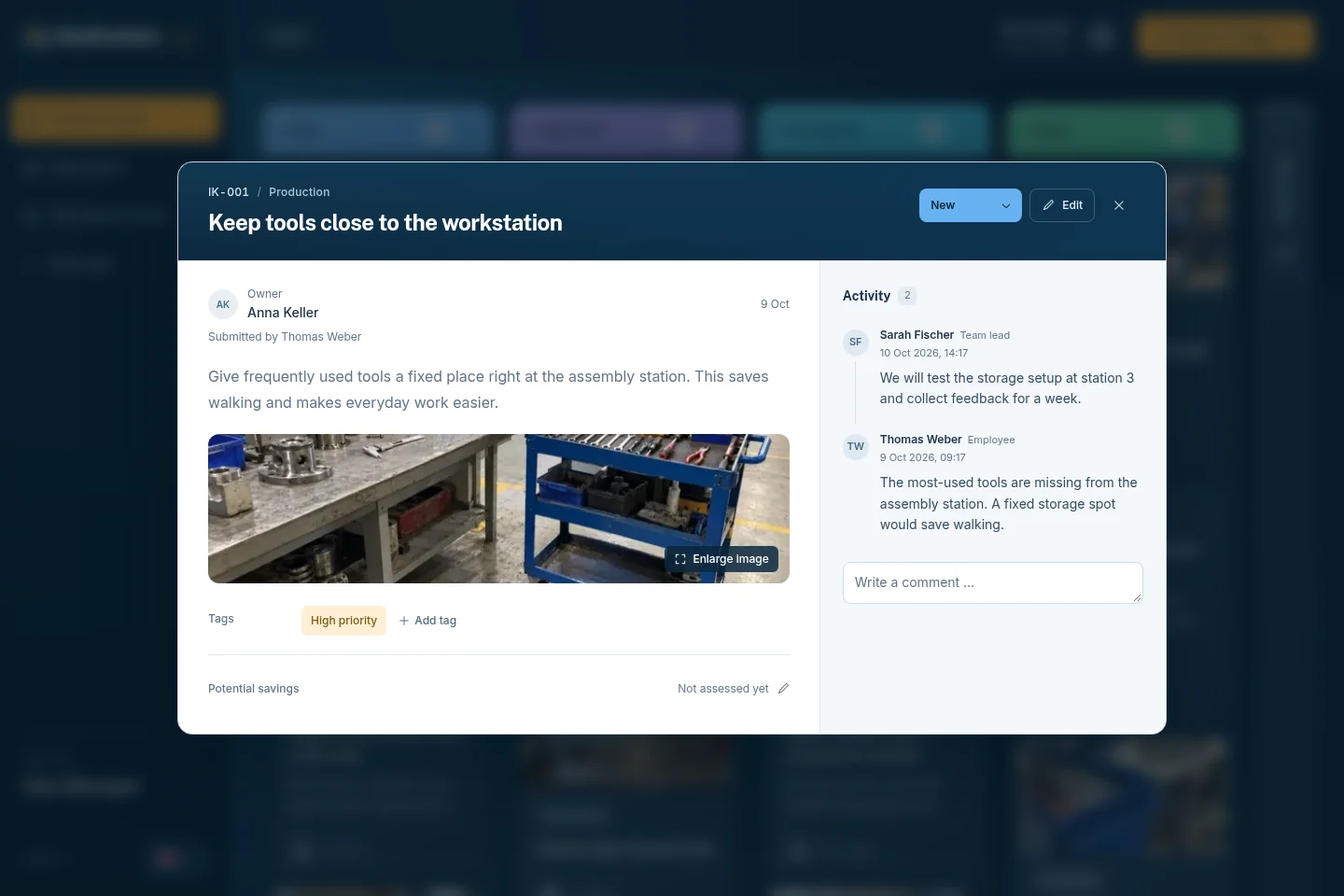
Both screens are from the live demo. The idea on the right is a production example: keeping tools close to the workstation.
01 / The employee form
02 / The Idea Manager view
No. They scan the QR code and submit in the phone browser. Only Idea Managers log in. Departments get a secure email link for the ideas assigned to them.
Yes, photos are optional. One picture of the station often replaces a long explanation. Follow your site's rules on photos of people, drawings and machines.
Yes. The QR code works around the clock, and every idea lands in New. Agree when ideas are reviewed and how each shift hears the decision, for example at the shift briefing.
No. IdeaKanban handles employee suggestions and their follow-up. Production control, corrective actions and incident reports stay in the systems your site already uses.
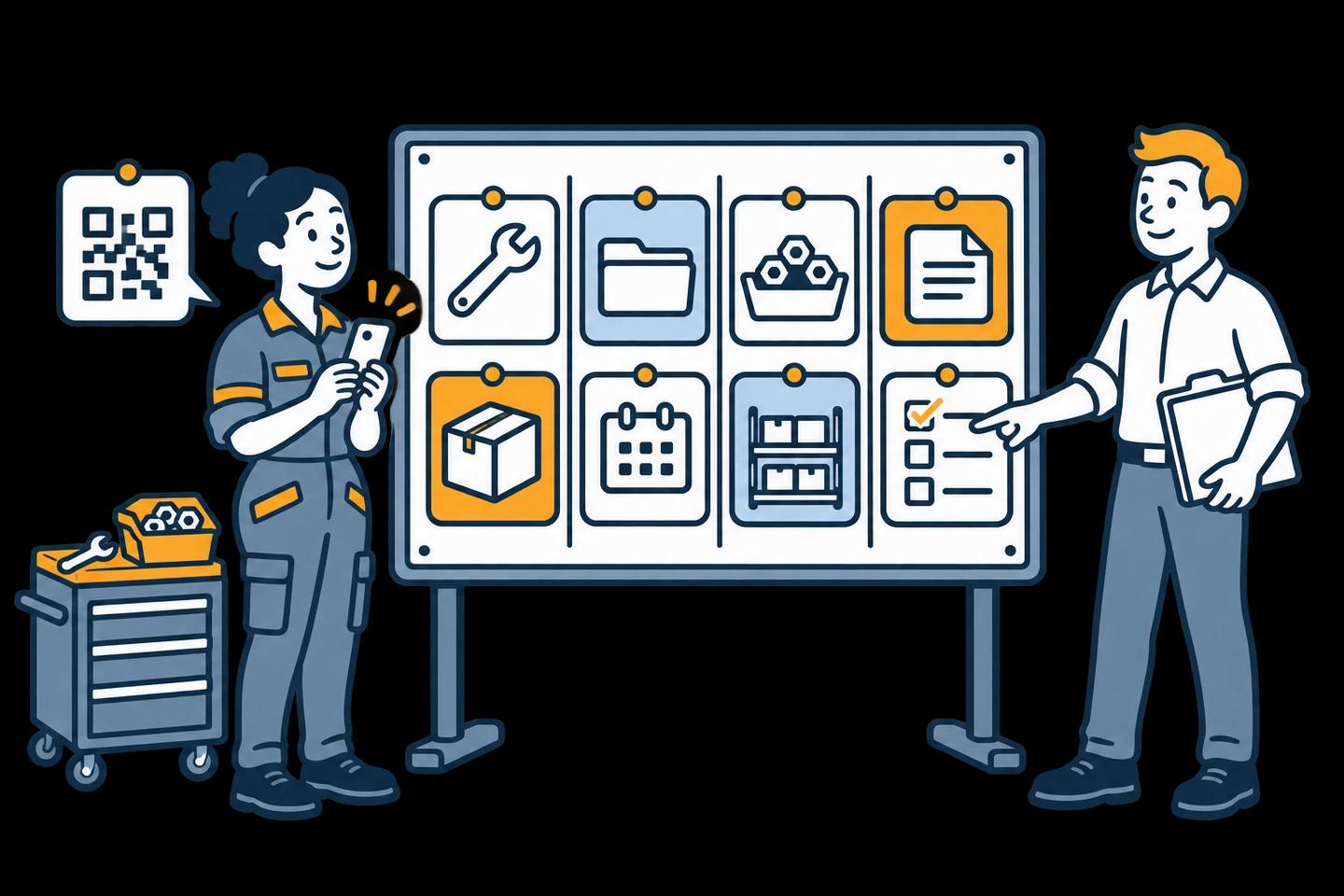
Eight workshop and office examples from New to Done, plus a printable guide.
Explore this guide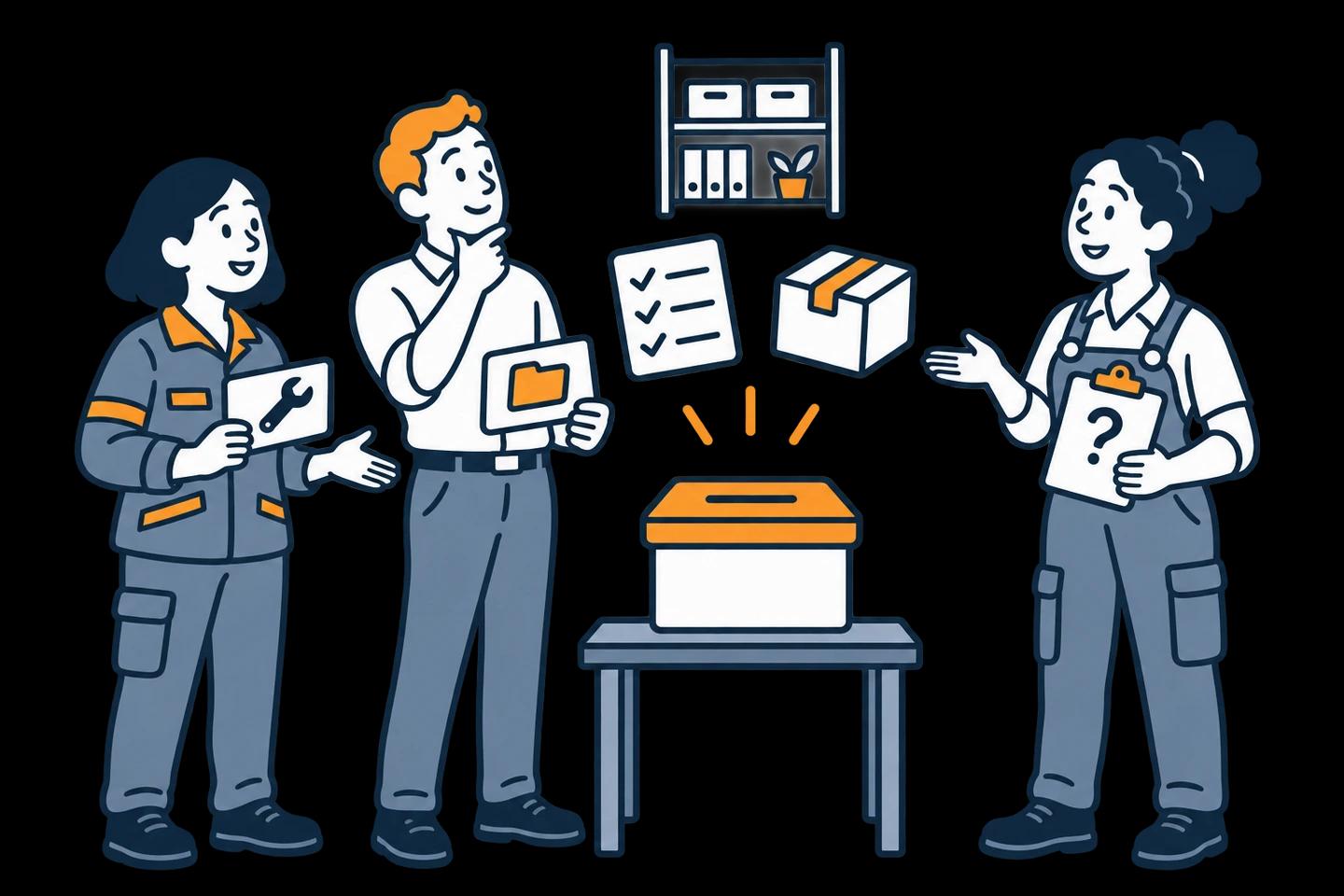
Prompts about tools, workstations, quality and handovers that get concrete answers.
Explore this guideTurn single suggestions into a repeatable PDCA cycle, with measures that matter.
Explore this guideTry it yourself
The live demo board already holds production examples, such as keeping tools close to the workstation, a two-bin system for supplies and a changeover checklist. Open them and see what your team leaders would work with. Then start the 30-day trial and hang your first QR poster at one line.
Live demo: sample data, no signup. Trial: your own workspace with Business features, no credit card. Paid plans from €39/month, billed annually, with unlimited submitted ideas.
Try it with your team
Create your own workspace and try Business free for 30 days. No credit card needed to start.