Accounts & access

Who needs a login? Three roles in employee idea management.

Only the people who manage ideas need a login. Employees submit by QR code, and departments update their ideas through a secure email link. Here is what each role does and how to test it before launch.

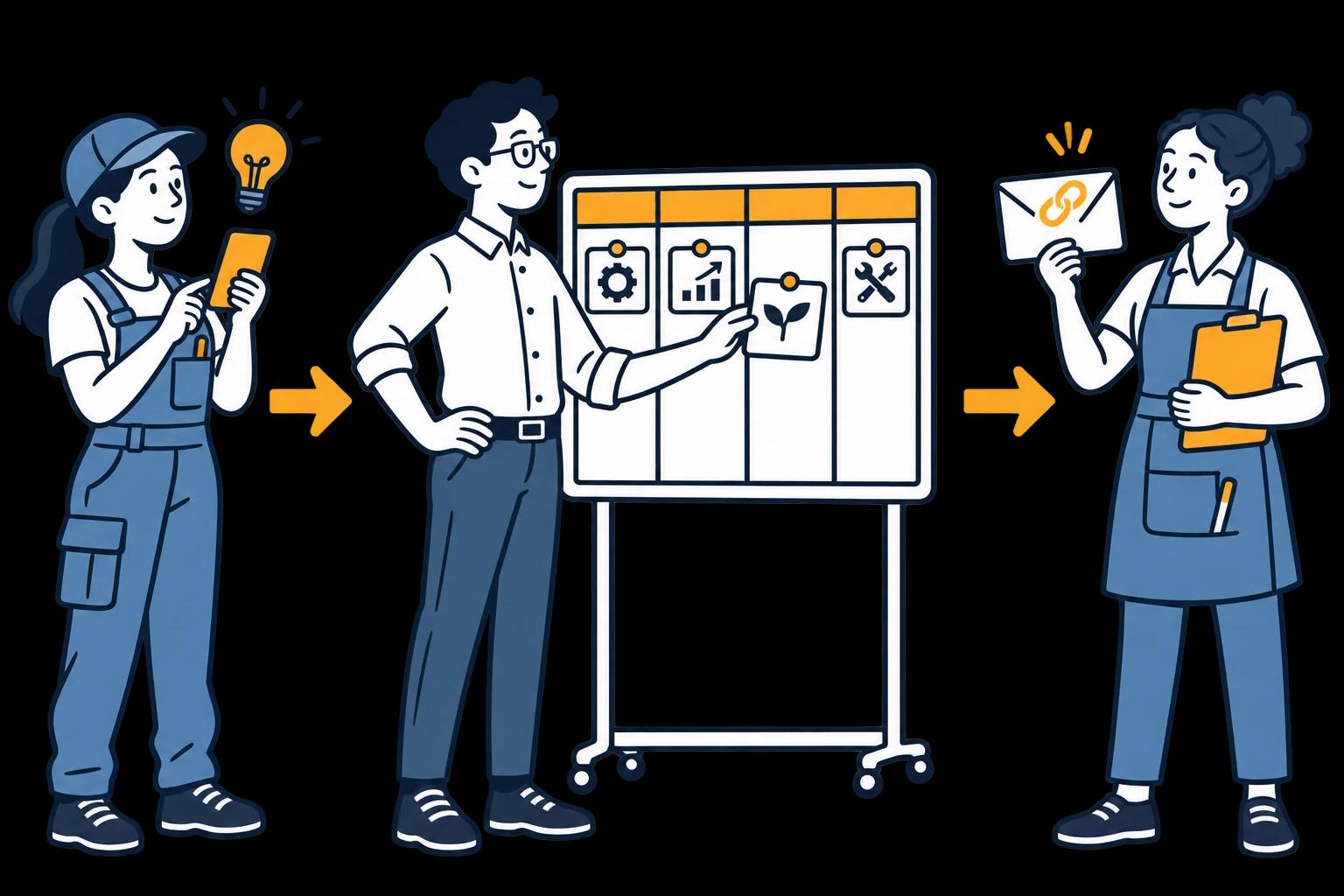
Illustration of three colleagues using the submission form, idea board and department update link.

The short answer

One workflow, three kinds of access.

Employees submit. Idea Managers manage. Departments update their ideas.

Only Idea Managers need a workspace login. Employees submit through the QR form, and departments update an assigned idea through a secure email link.

Role 1

Employee submitting an idea

Route: QR code or submission link

No IdeaKanban account needed to submit.

Scope: The submission form: describe the idea and add optional photos.

Try it: Open your team's form on a typical work phone. Submit a test idea and check that it lands on the right board.

Role 2

Idea Manager

Route: Workspace login

Needs a login. Your plan sets how many Idea Managers you can add.

Scope: The full board: review ideas, assign departments and follow progress.

Try it: Log in as the coordinator, find the test idea, review it and assign the department that would act on it.

Role 3

Responsible department

Route: Secure link sent by email

No workspace login needed to update assigned work.

Scope: The assigned idea only. The link does not open the full board.

Try it: Open the email in the department's real inbox and post an update as a colleague from that team.
Inside the actual demo

See the employee form and the manager’s view.

A suggestion needs context at submission and a clear place for the next action during review. These are real product views you can explore in the free demo.

01 / The employee shares the context

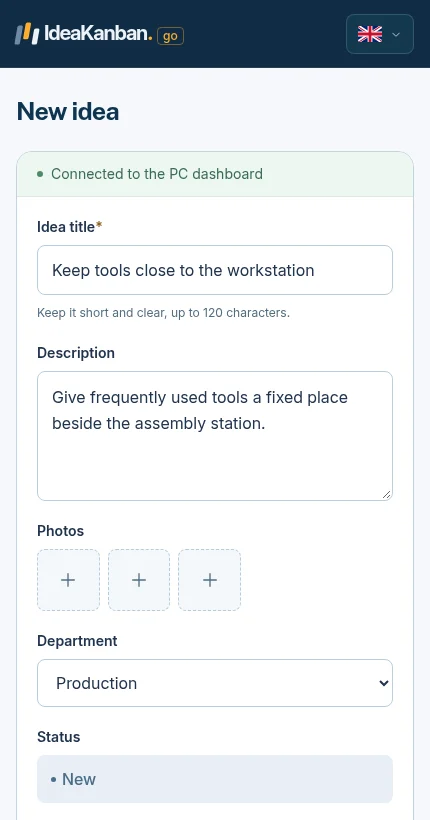
Actual IdeaKanban phone submission form with fields for an idea, photos and the department.
The submission form in a phone browser. Employees reach it by QR code or link, without an account.

02 / The Idea Manager reviews the idea

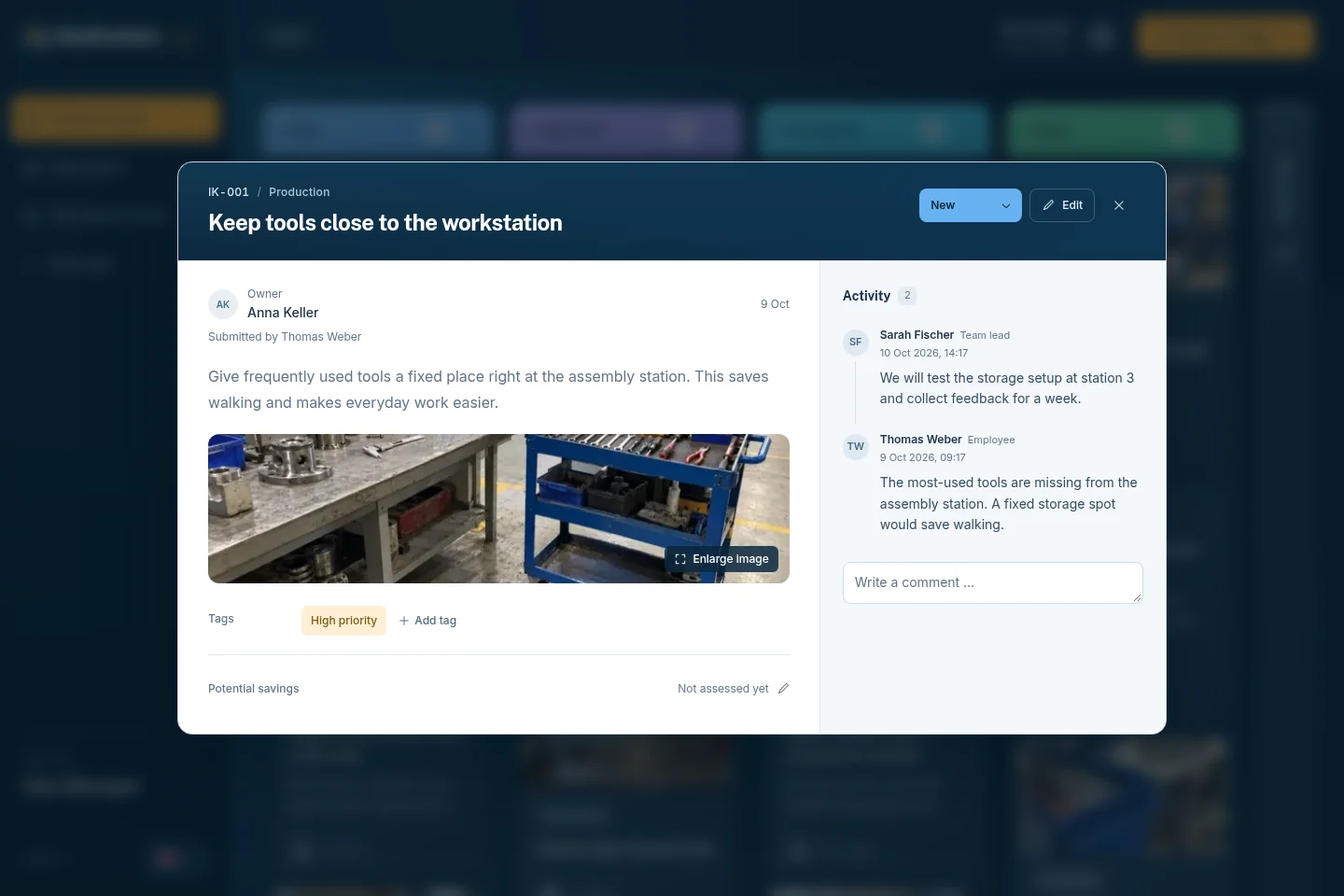
Actual IdeaKanban demo suggestion showing a tool-storage photo, Production department and activity.
An idea in detail: photo, responsible department and every update in one place.

The department link does one job.

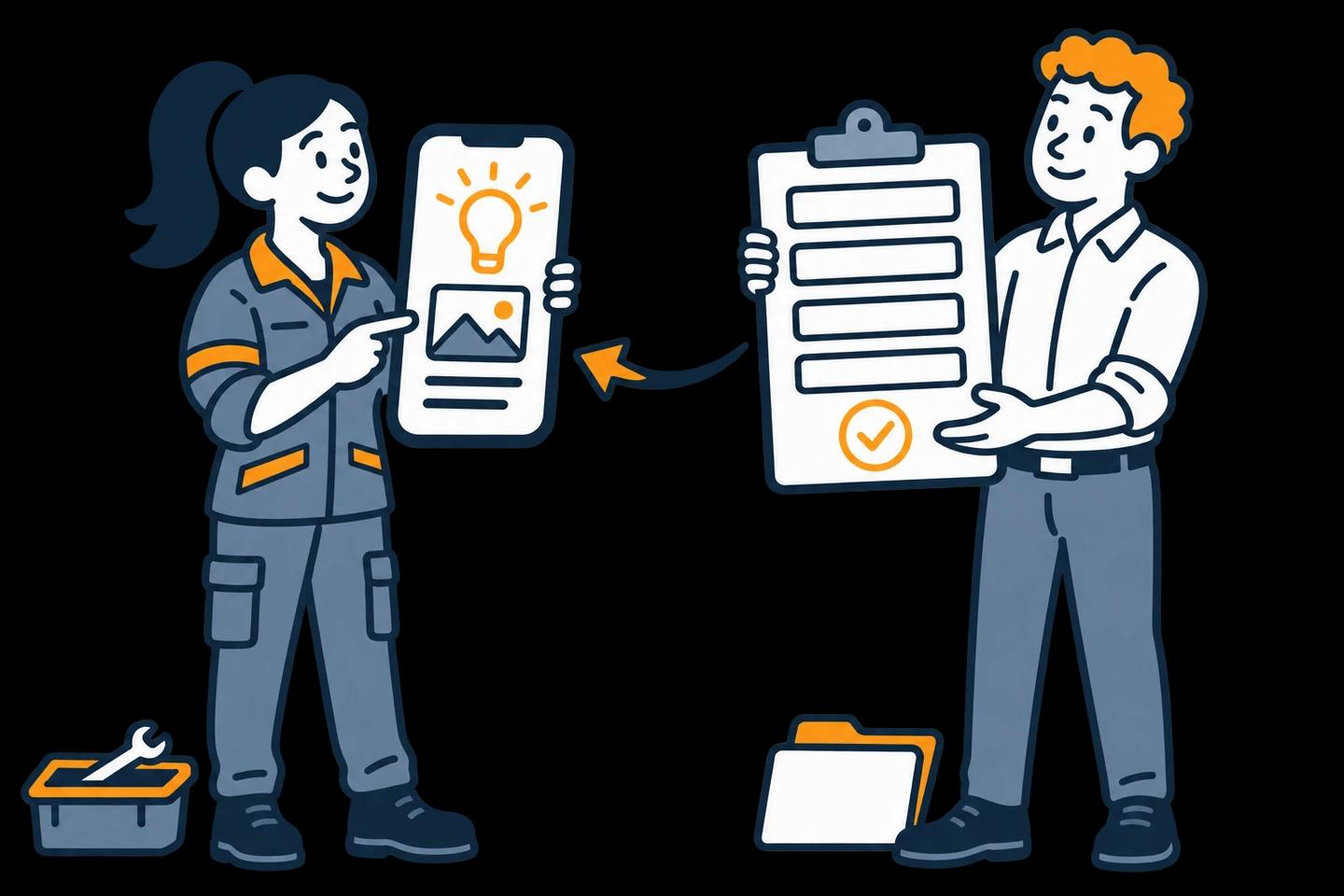
Illustration of a coordinator passing an approved idea to a department colleague through an email link.
Assign the next action to the team that can take it forward.

Department handover

Send the work to the team that will do it.

When an Idea Manager assigns an idea, the department gets an email with a secure link. From there it adds updates, photos and progress to that idea, without a workspace login.

Test it with one sample assignment: check that the email reaches the right inbox and that the update works. The link gives access to that idea, so share it only with the people doing the work.

Four assumptions that cause rollout surprises.

  1. A phone is not the office laptop

    Test on the phones and network employees really use. A manager’s computer tests something else.

  2. Every inbox needs an owner

    Agree who reads department emails and who takes the next step during shifts and holidays.

  3. No login doesn’t mean anonymous

    Text and photos can identify a person. Tell employees what you collect and how you use it.

  4. The demo is not your workspace

    In the public demo, use the QR code from the desktop session to connect your phone. A company trial gets its own workspace.

Pay for coordinators, not for every employee.

Every paid plan includes unlimited submitted ideas. You choose capacity for Idea Managers, departments, boards and locations, not an account for every employee who might suggest something.

The pricing page lists the current capacities. If you need a specific identity provider or permission model, confirm it with us before you design your rollout around it.

A few practical answers

Does every employee need an IdeaKanban login?

No. Employees submit through the QR code or link without a workspace account. Only Idea Managers log in to manage the board.

Can a department update an idea without seeing the whole board?

Yes. The department’s secure email link opens its assigned idea, not the full workspace.

Is a login-free form anonymous?

Not automatically. Login and anonymity are separate questions. A description, a photo or other context can still identify someone.

Try it with your team

Give your next idea a place to start.

Create your own workspace and try Business free for 30 days. No credit card needed to start.

Try interactive demo